Take a look before you download.

These are real FebNMS screens, grouped by feature. The interface is much the same on every platform, with small differences from one system to another.

Overview and servers

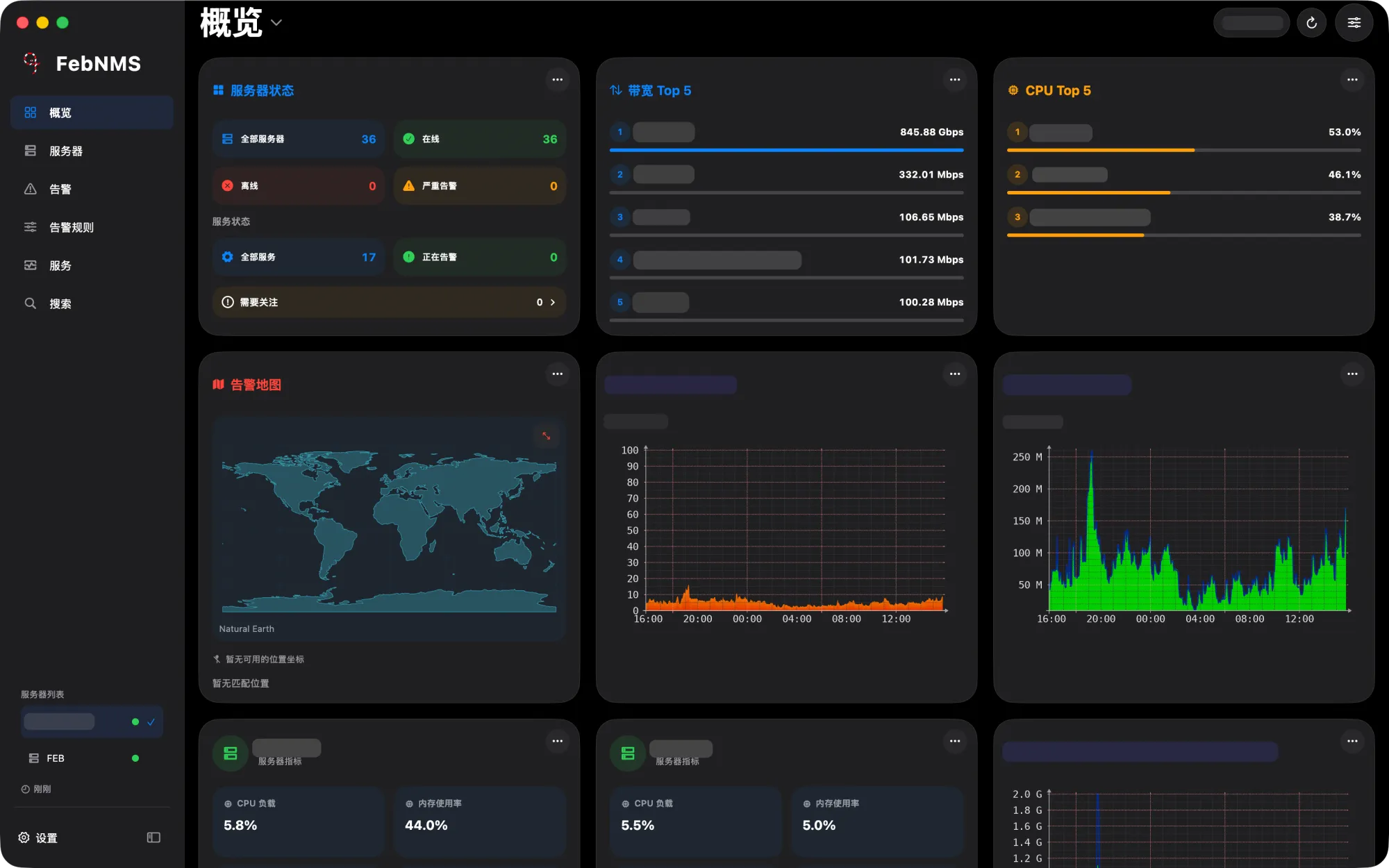
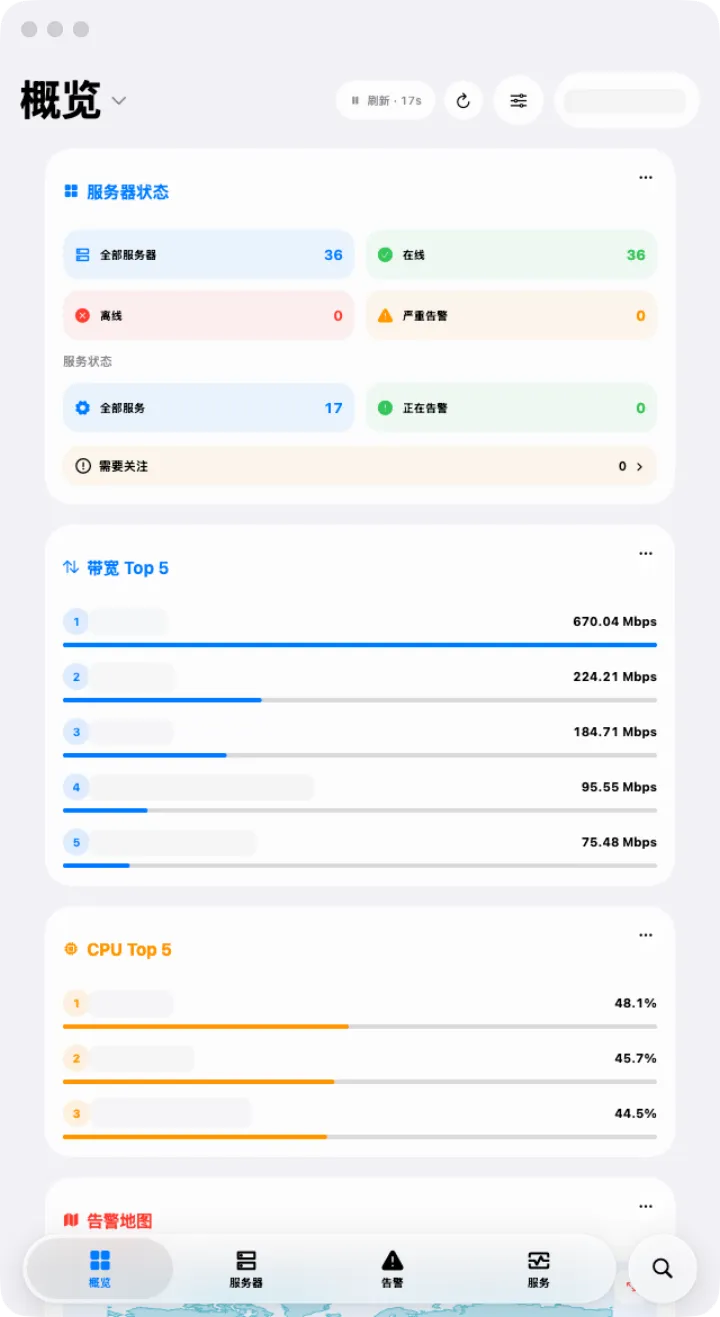
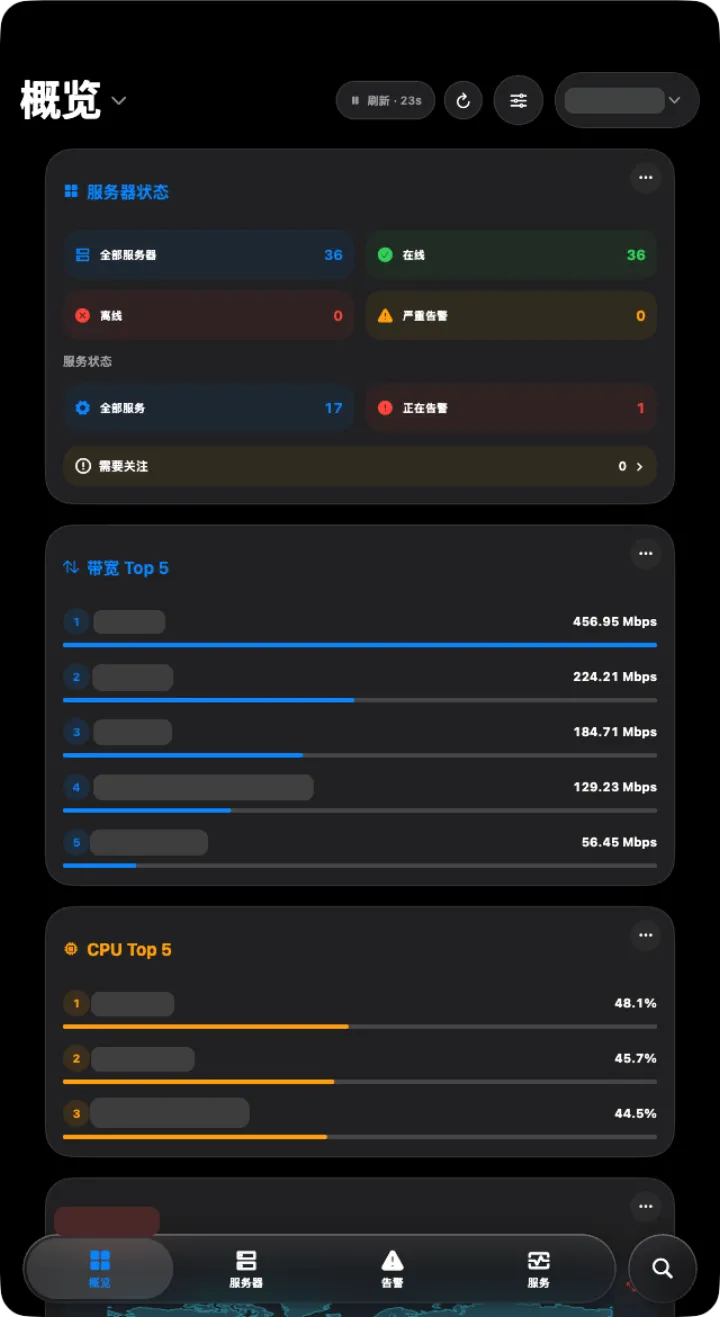
Server status, bandwidth and CPU rankings and live graphs on one screen.
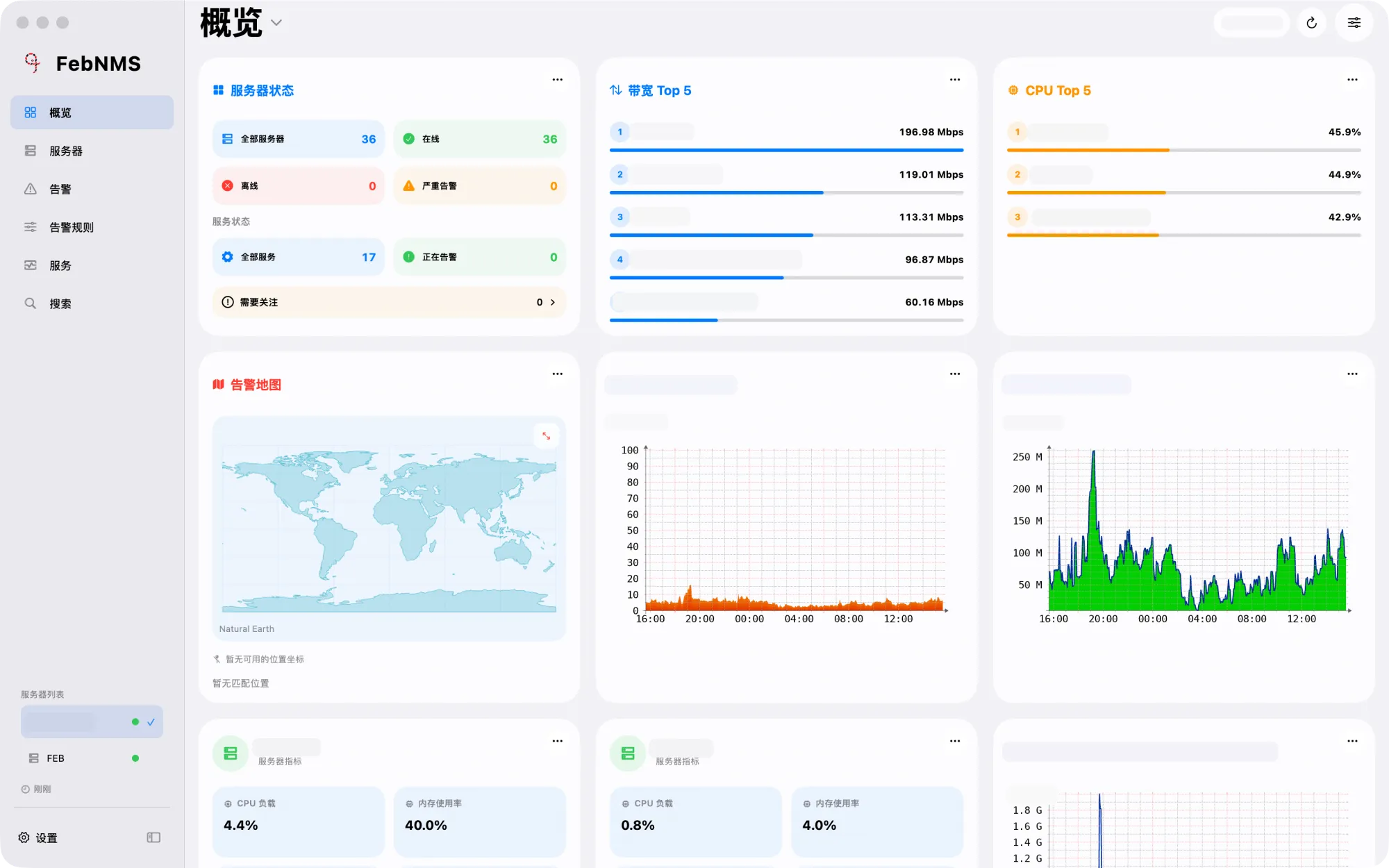
Overview Overview
OverviewServer status, top 5 rankings and live graphs
Overview Overview
OverviewServer status, top 5 rankings and live graphs
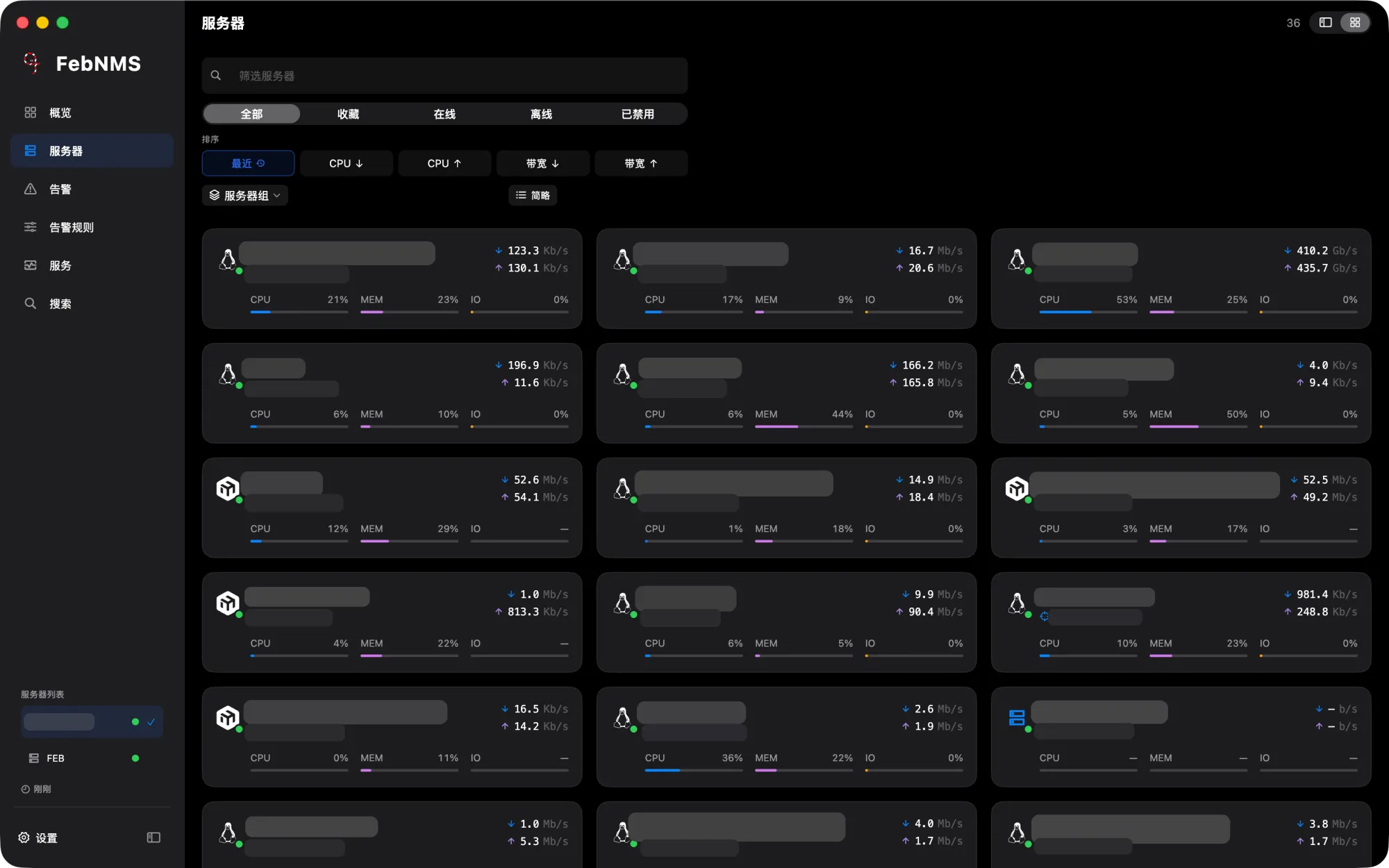
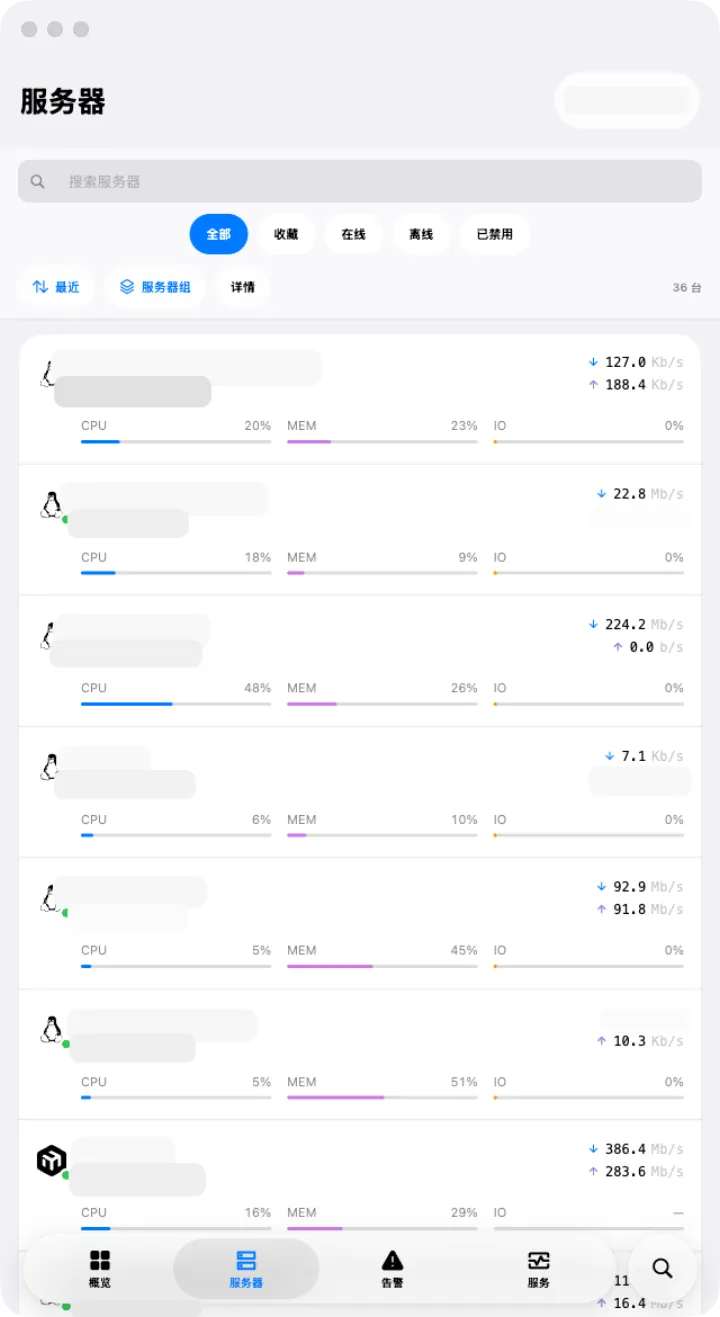
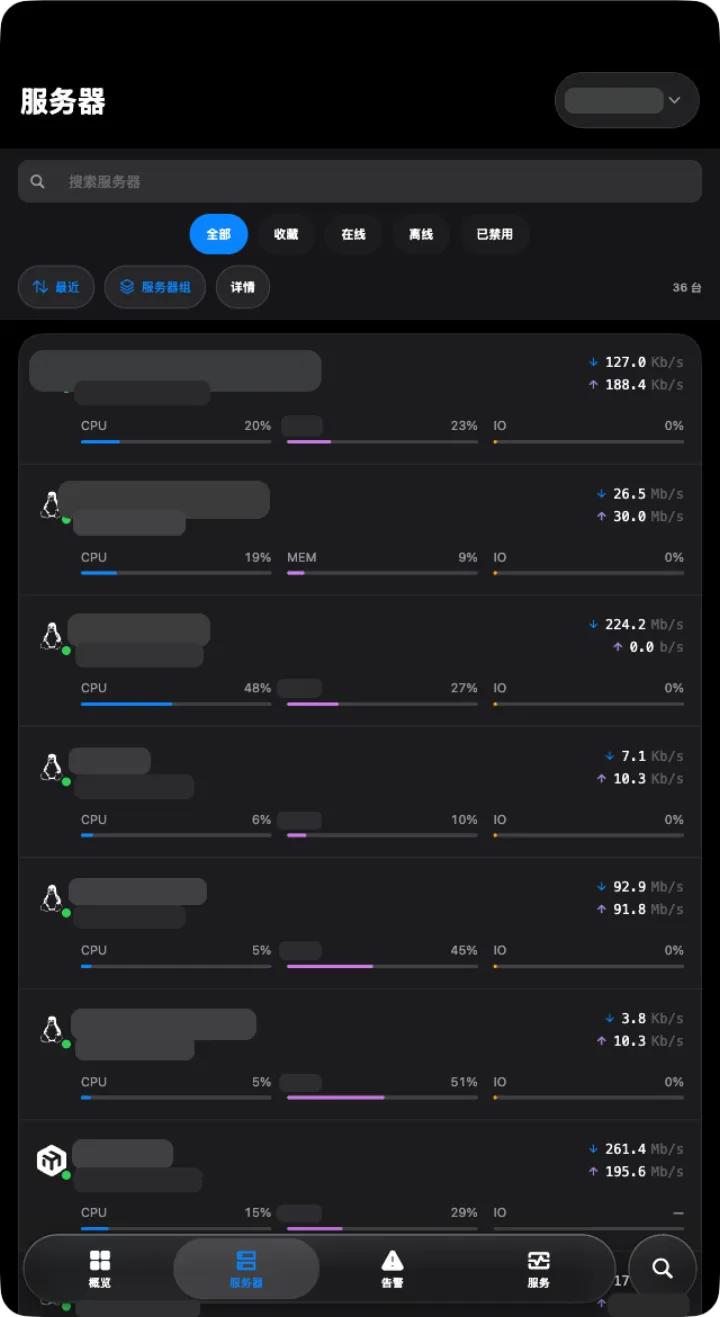
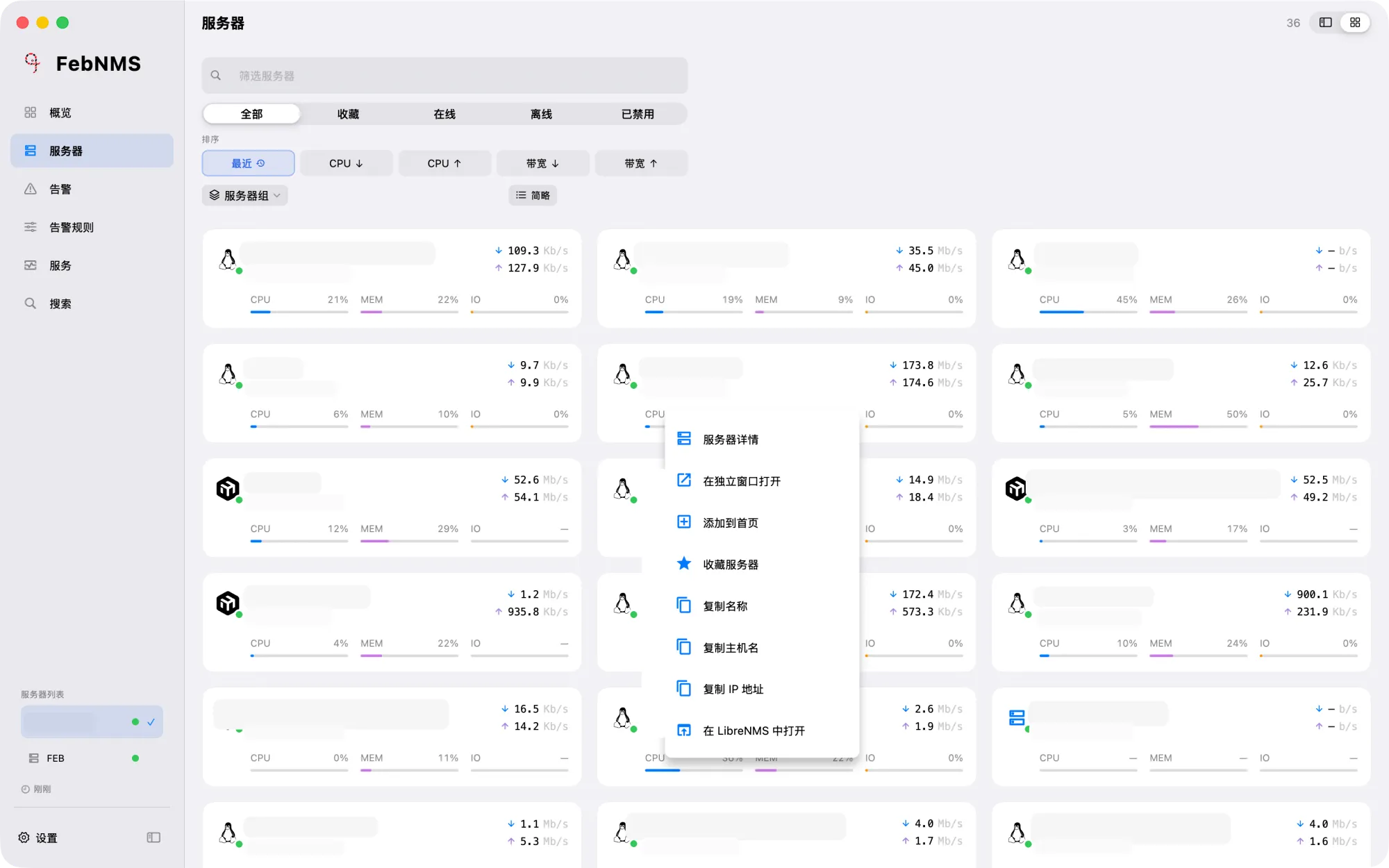
Server list Server list
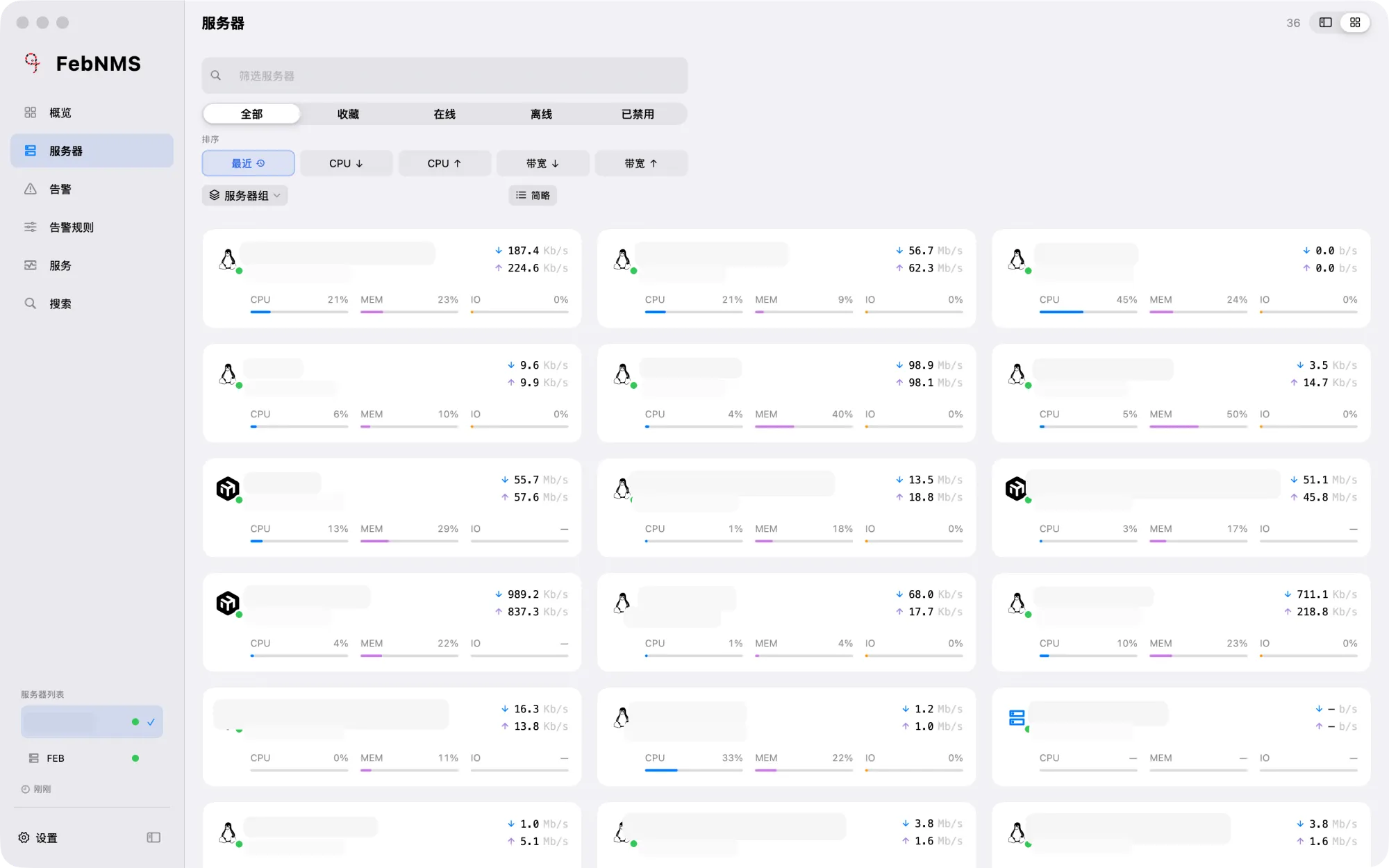
Server listOS icons, CPU, memory, I/O and live traffic
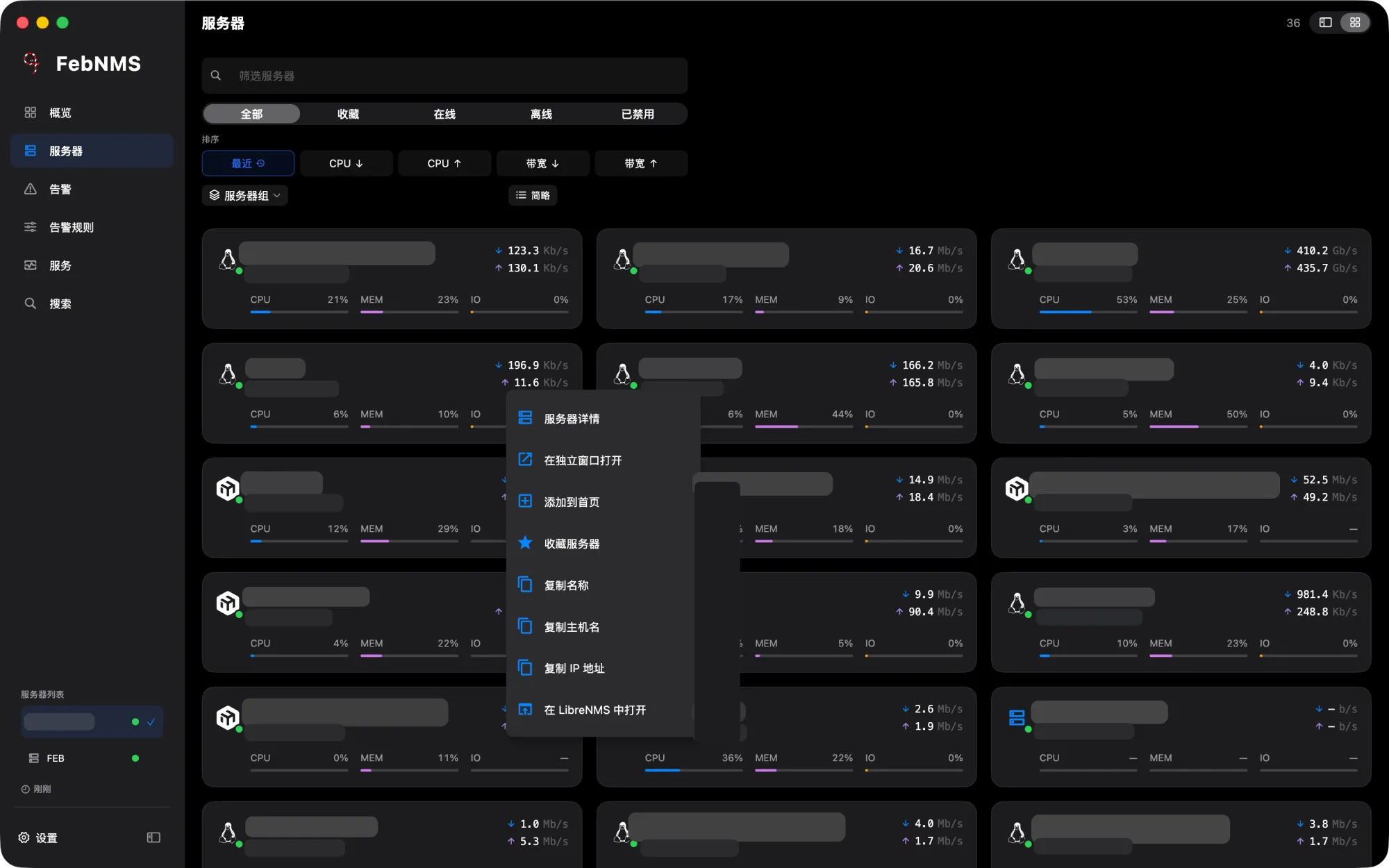
Server list Server list
Server listOS icons, CPU, memory, I/O and live traffic
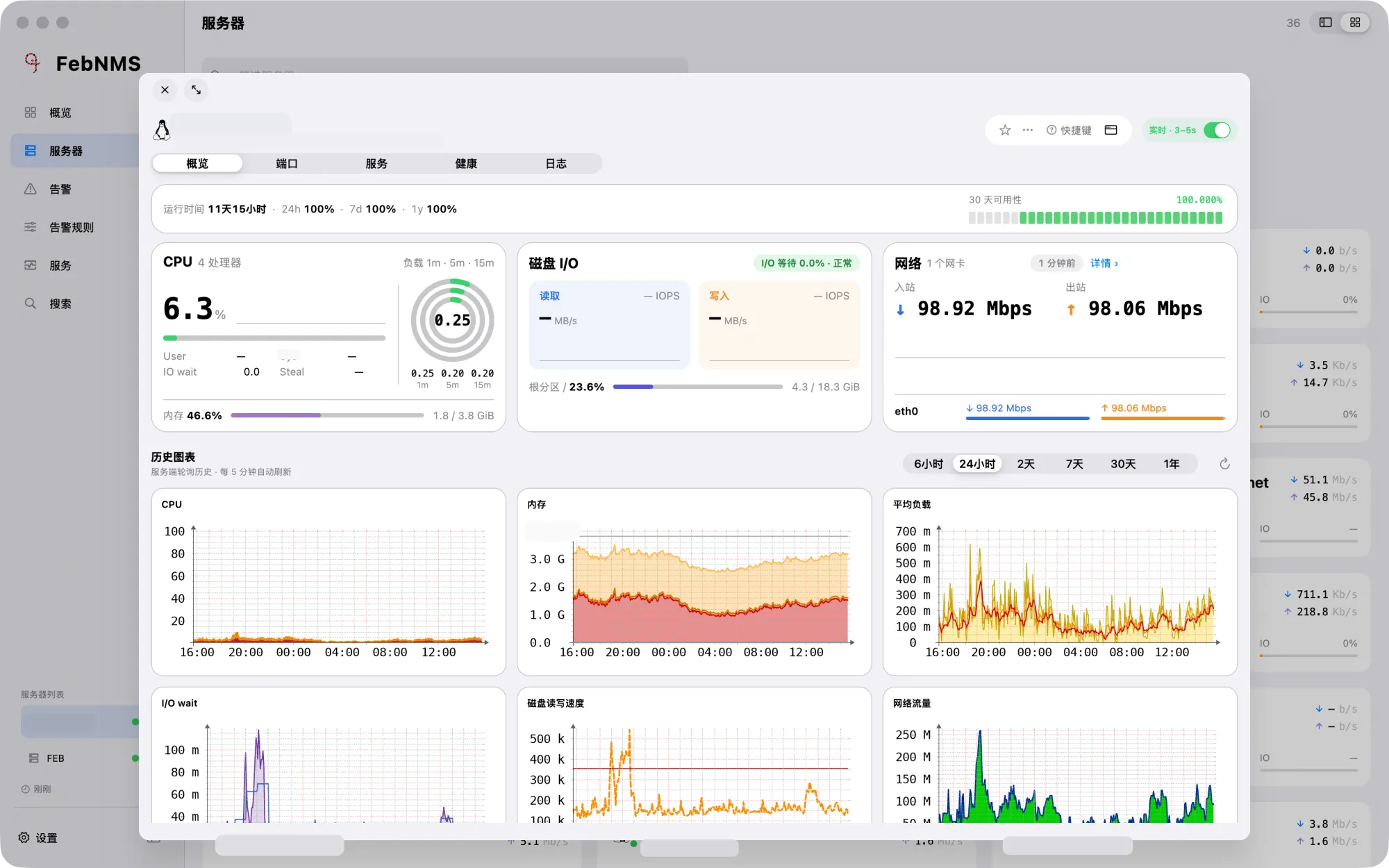
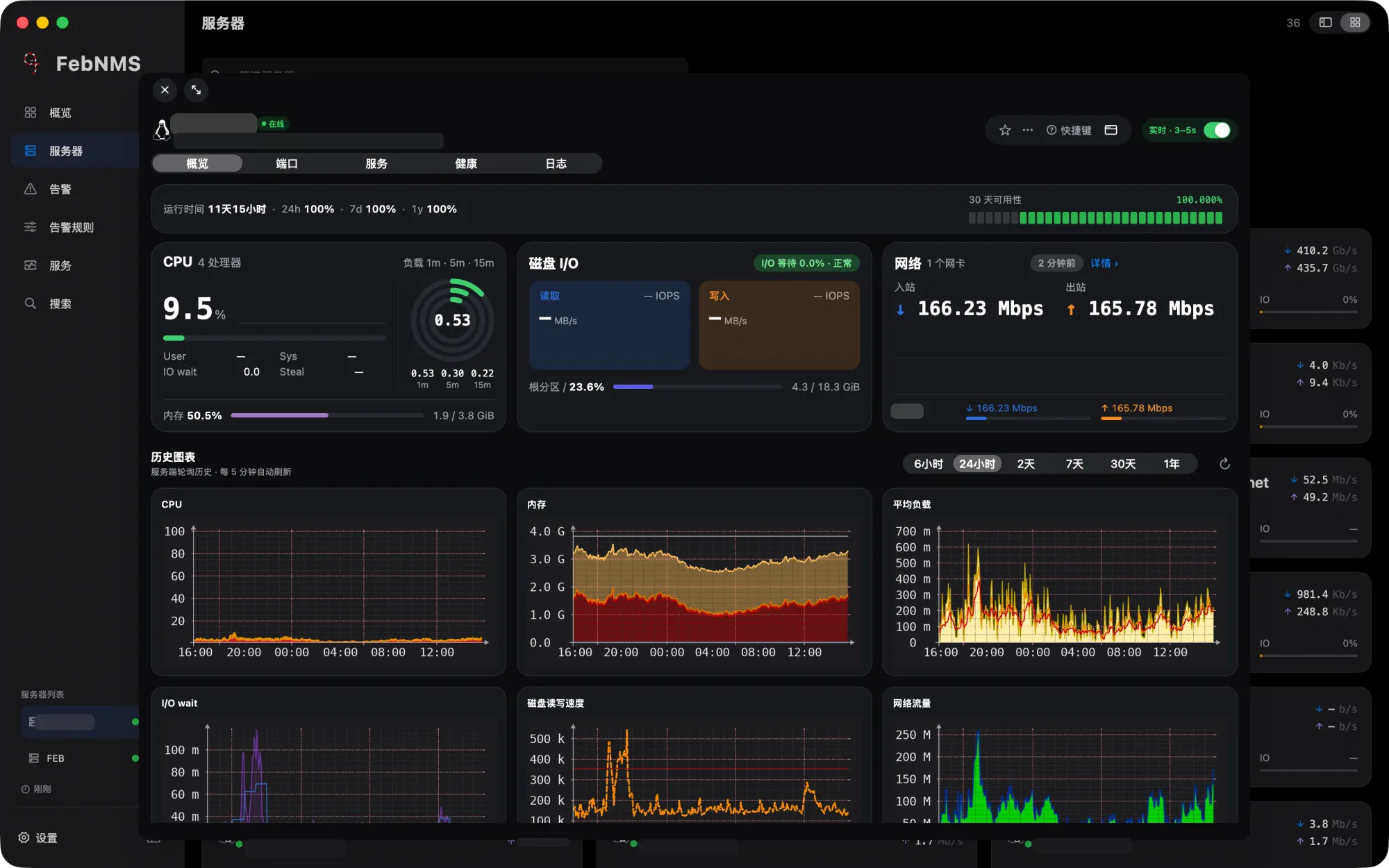
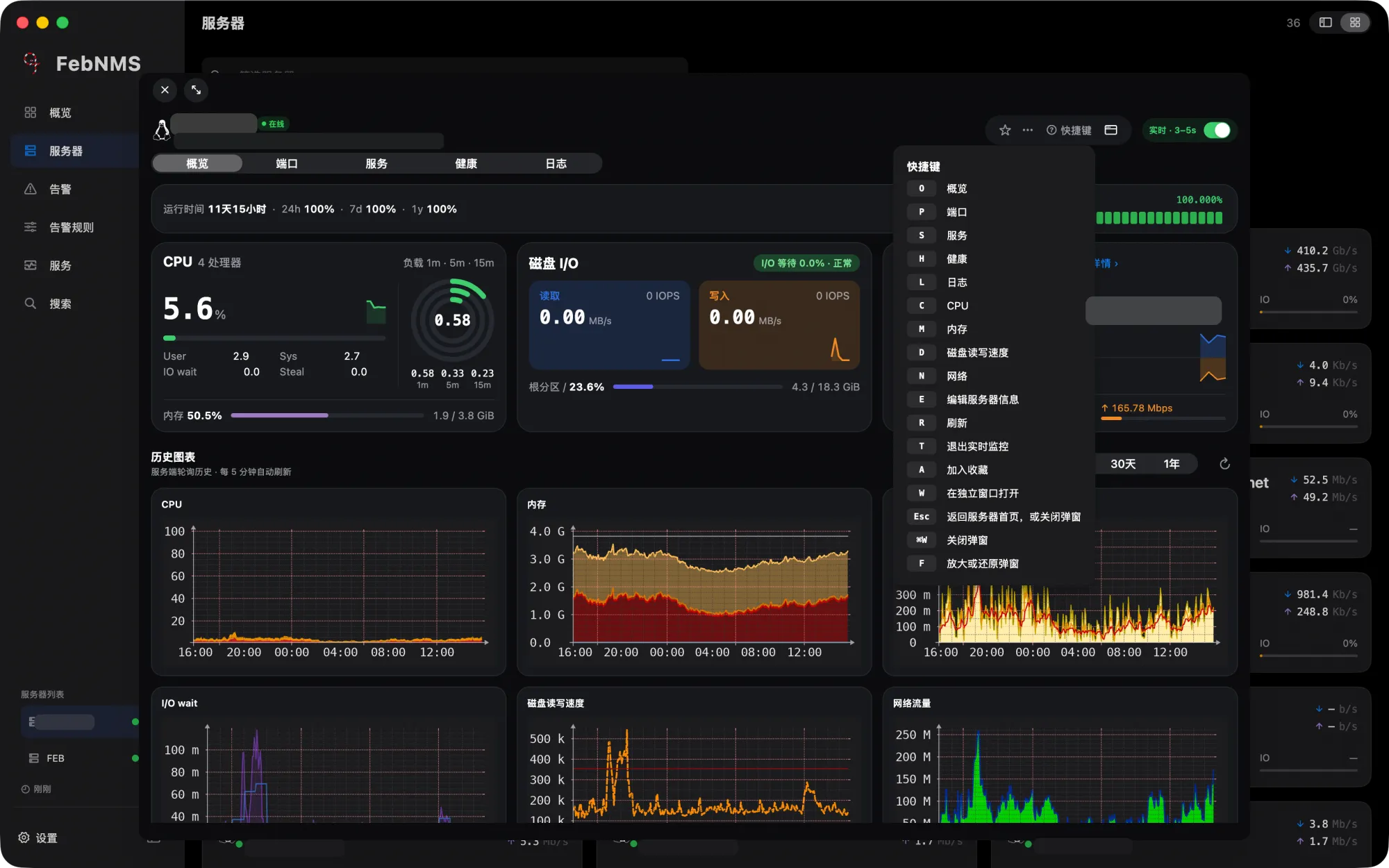
Live server details Live server details
Live server detailsLive updates every 3–5 seconds and history graphs
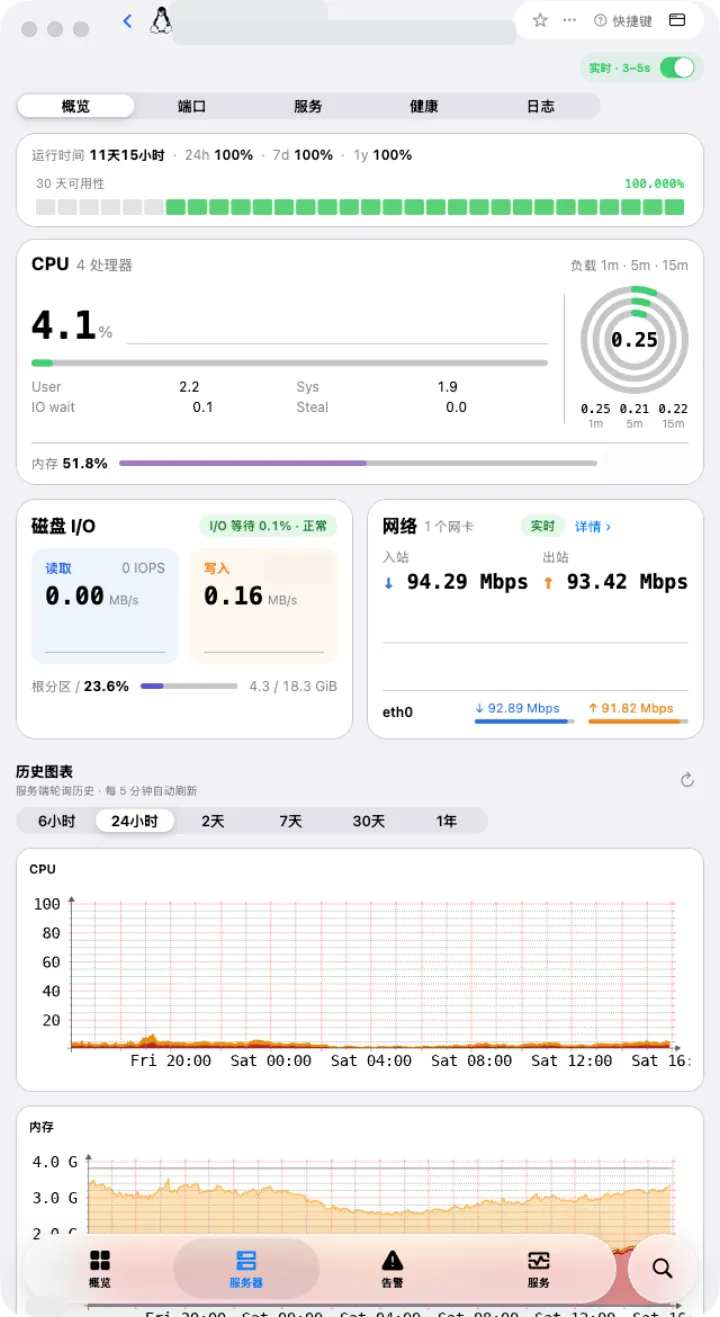
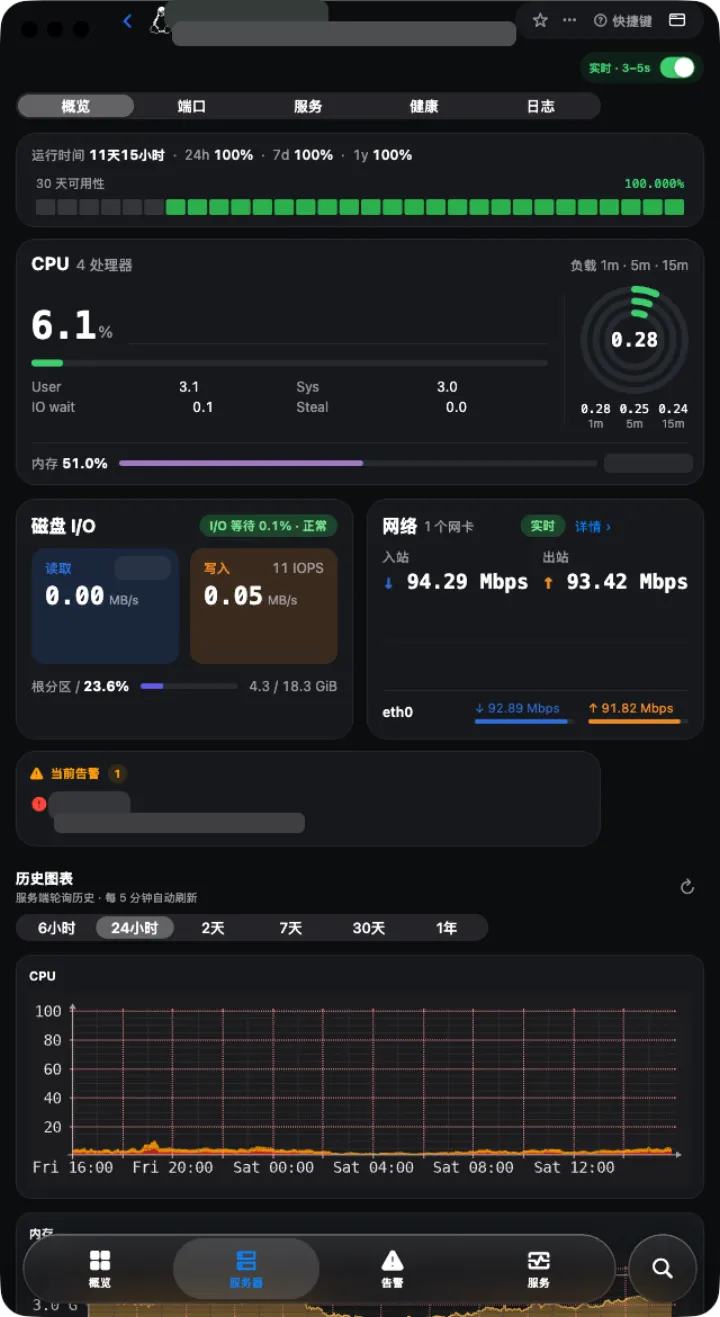
Live server details Live server details
Live server detailsLive updates every 3–5 seconds and history graphs

Right-click and bulk actions

Desktop only: edit or disable with a right-click, and act on many items at once.
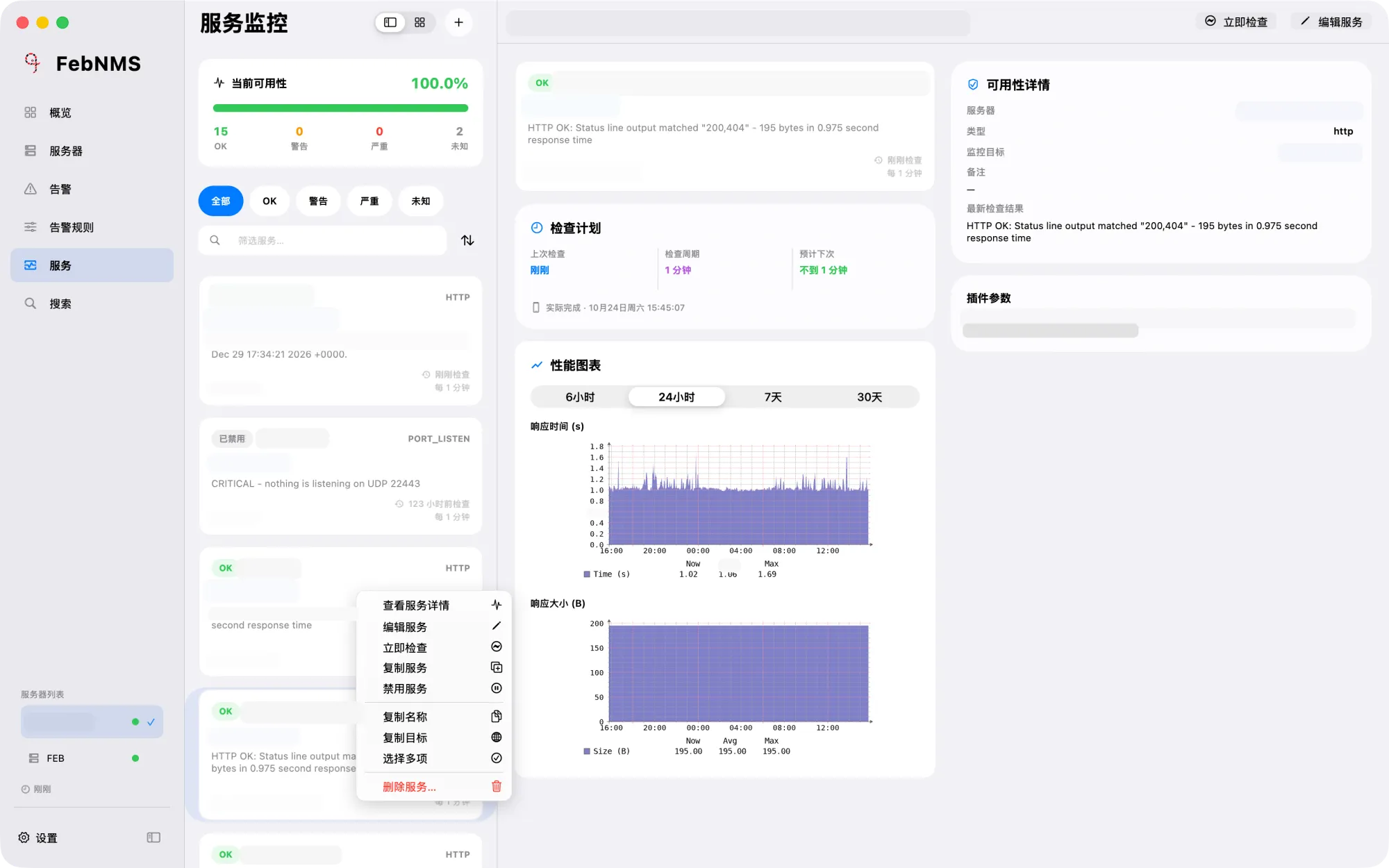
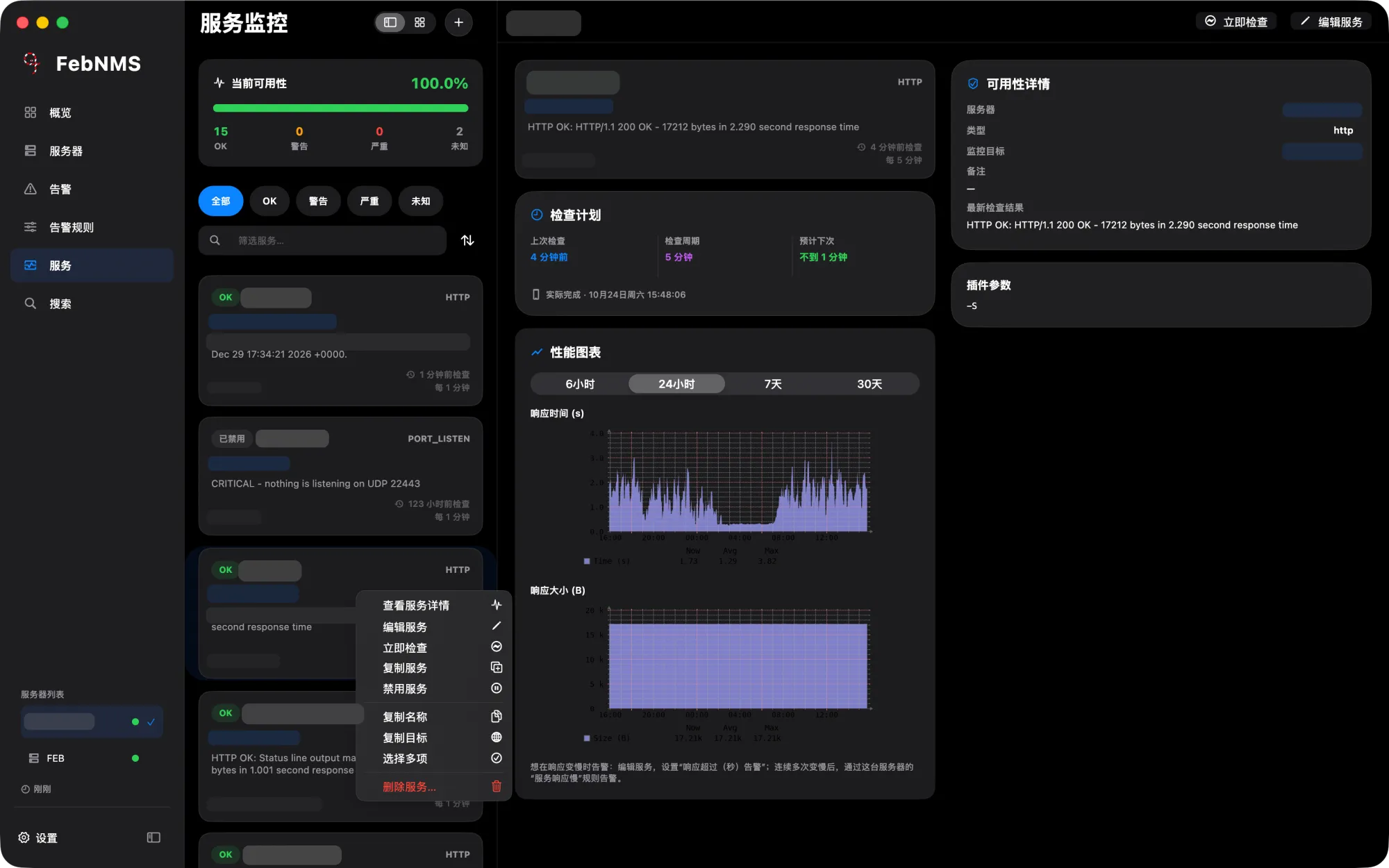
Service right-click menu Service right-click menu
Service right-click menuEdit, disable, check now, duplicate
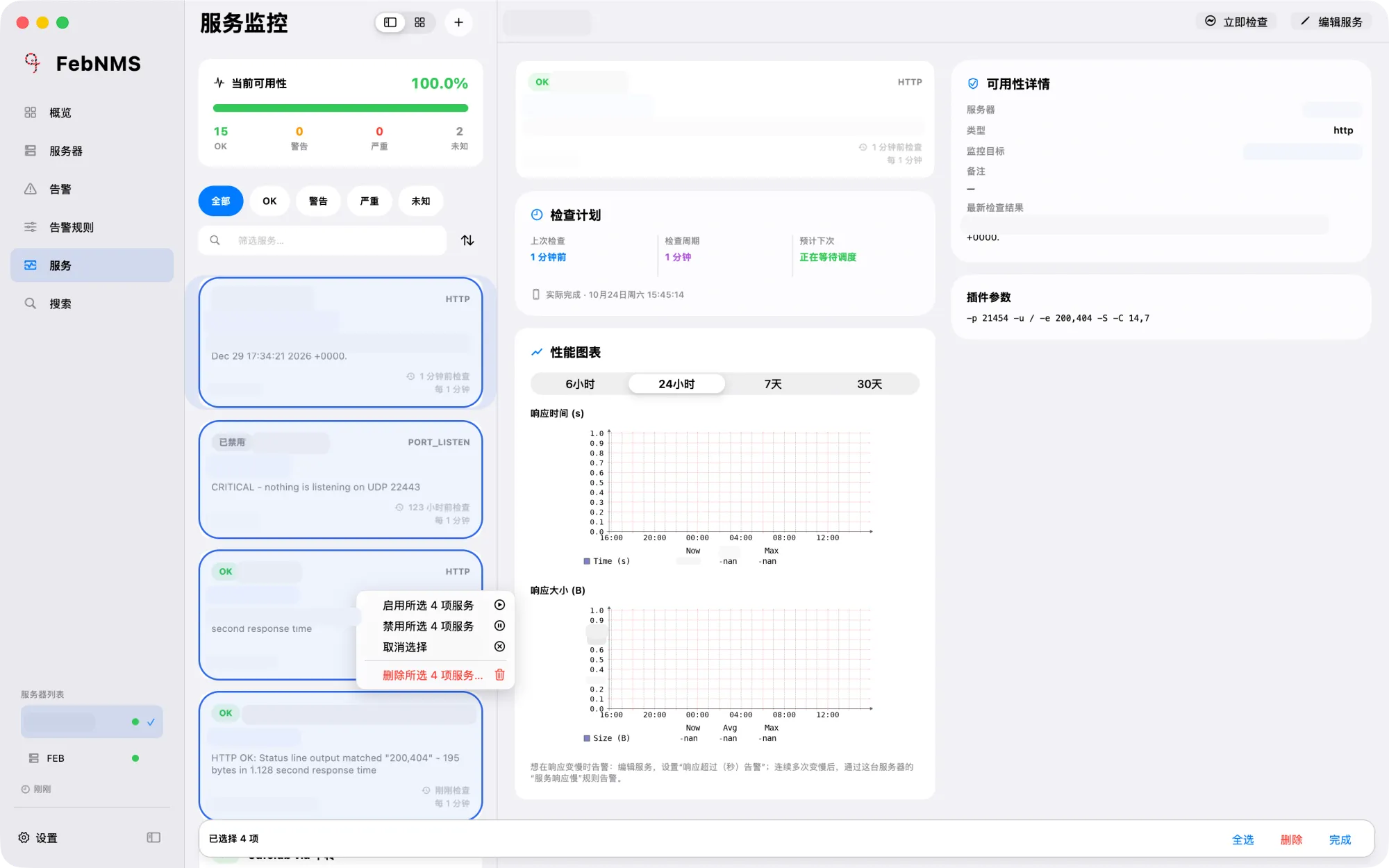
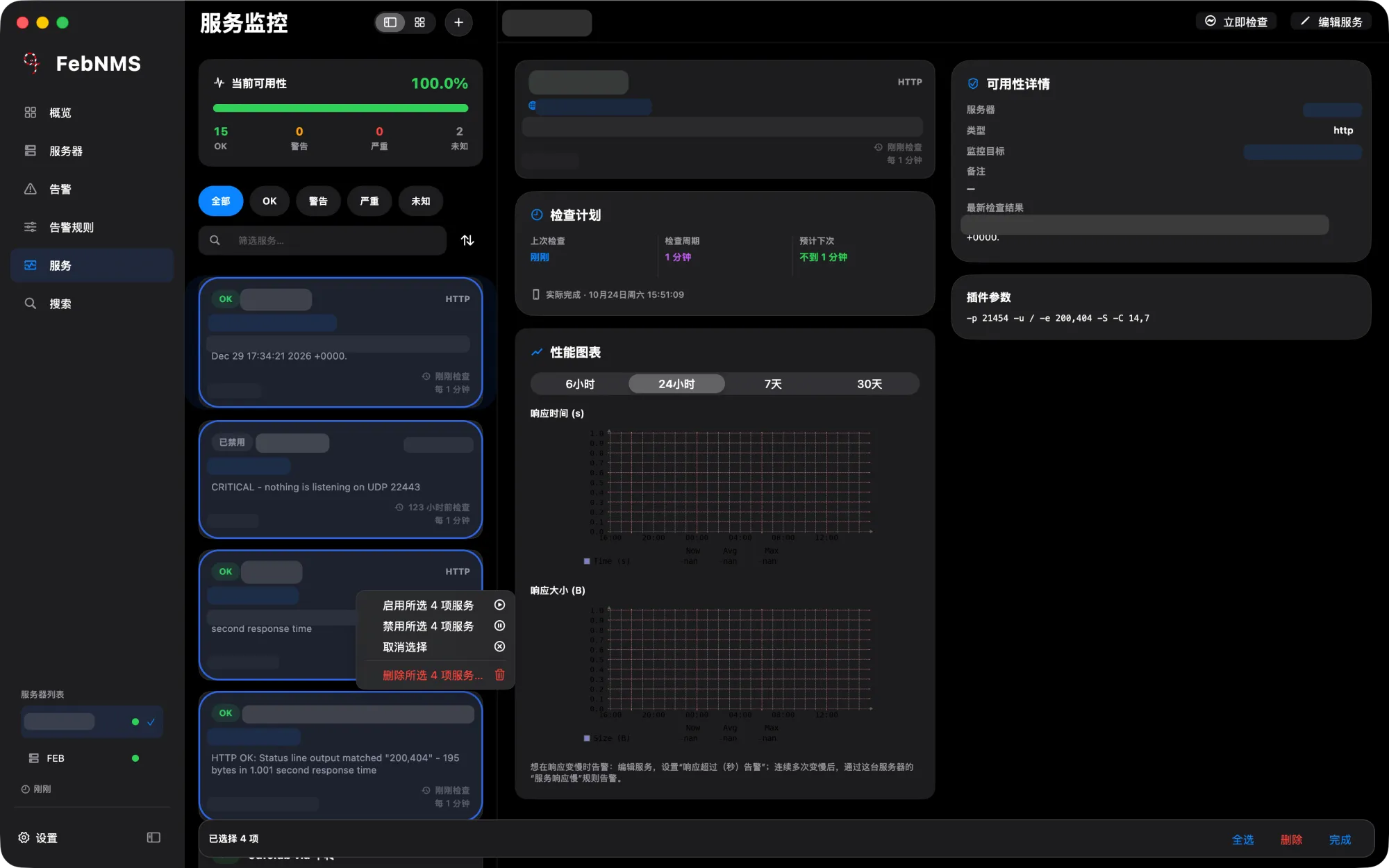
Bulk actions Bulk actions
Bulk actionsEnable, disable or delete the selected services
Server right-click menu Server right-click menu
Server right-click menuFavourite, add to overview, open in its own window
Dark only Keyboard shortcuts Keyboard shortcuts
Keyboard shortcutsSingle keys switch graphs in server details

Alerts and push

Alert details and timelines, and choosing which devices each rule pushes to.
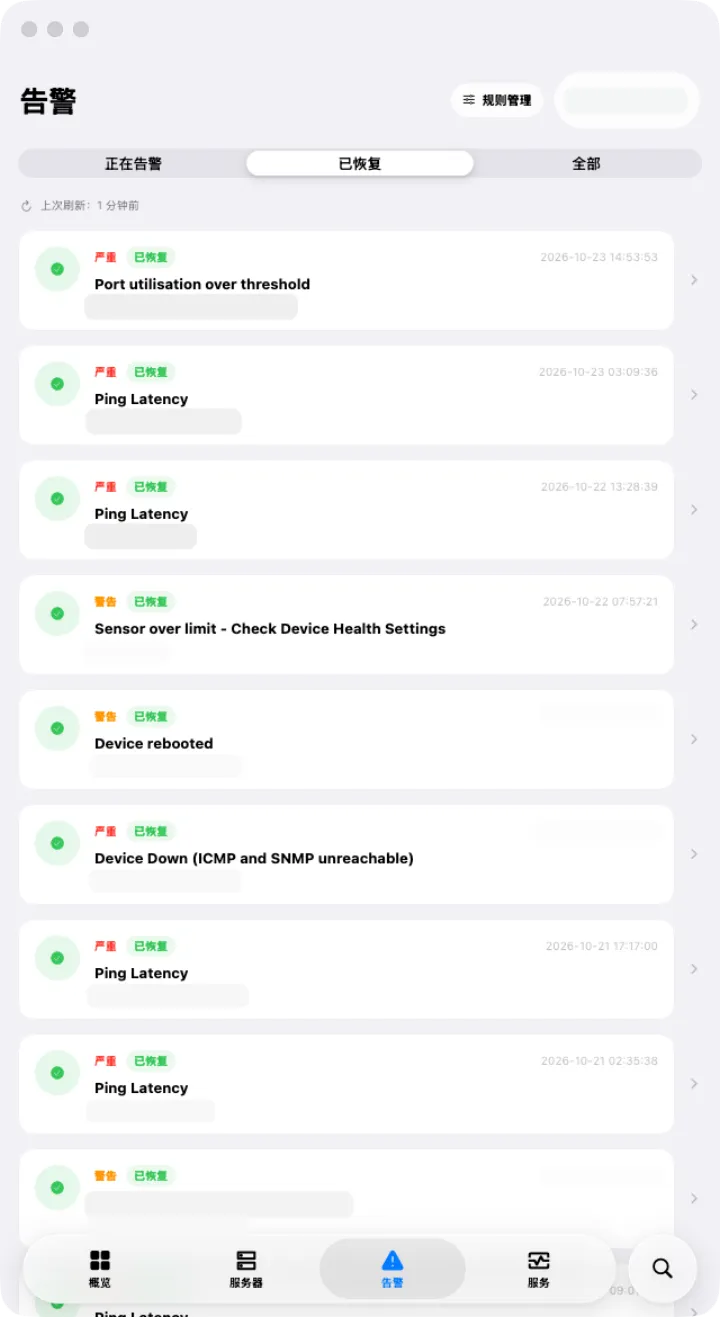
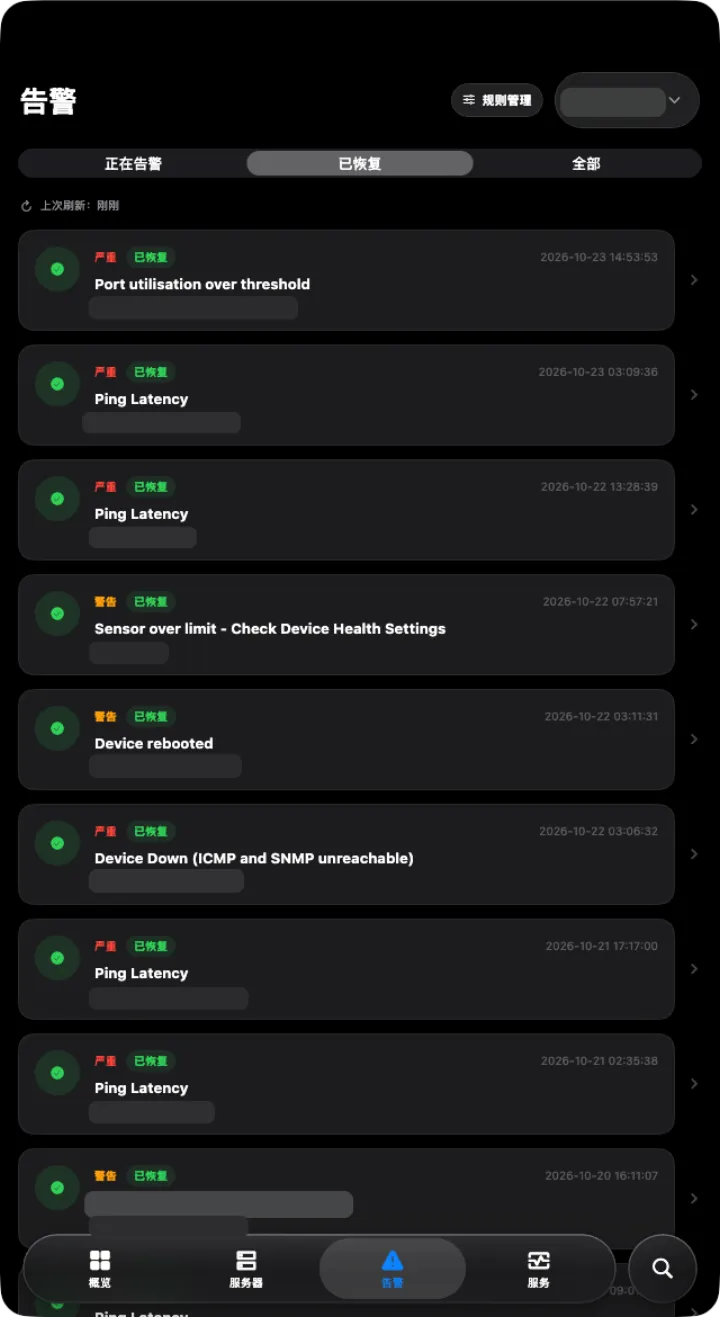
Alert list Alert list
Alert listActive and recovered alerts at a glance
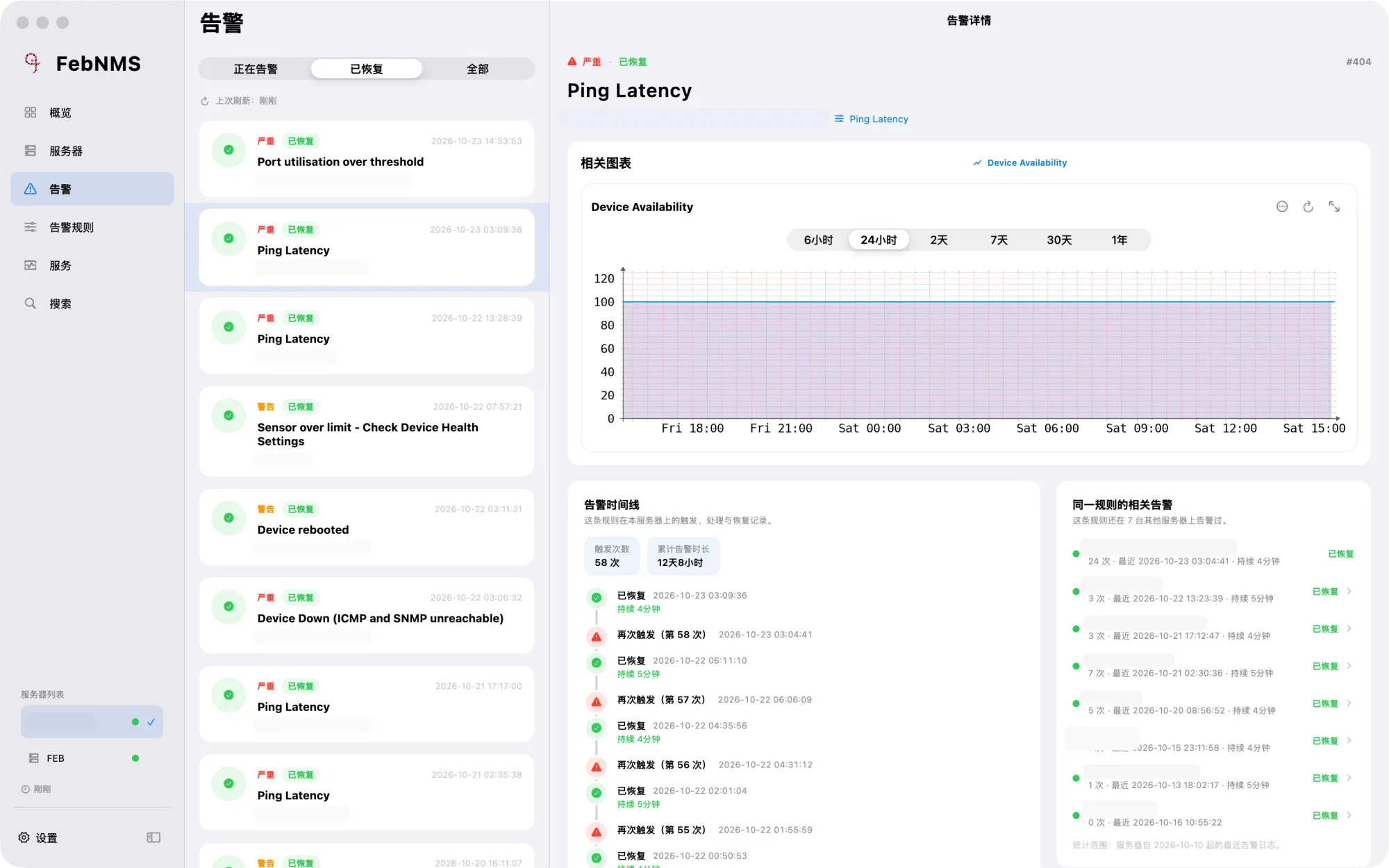
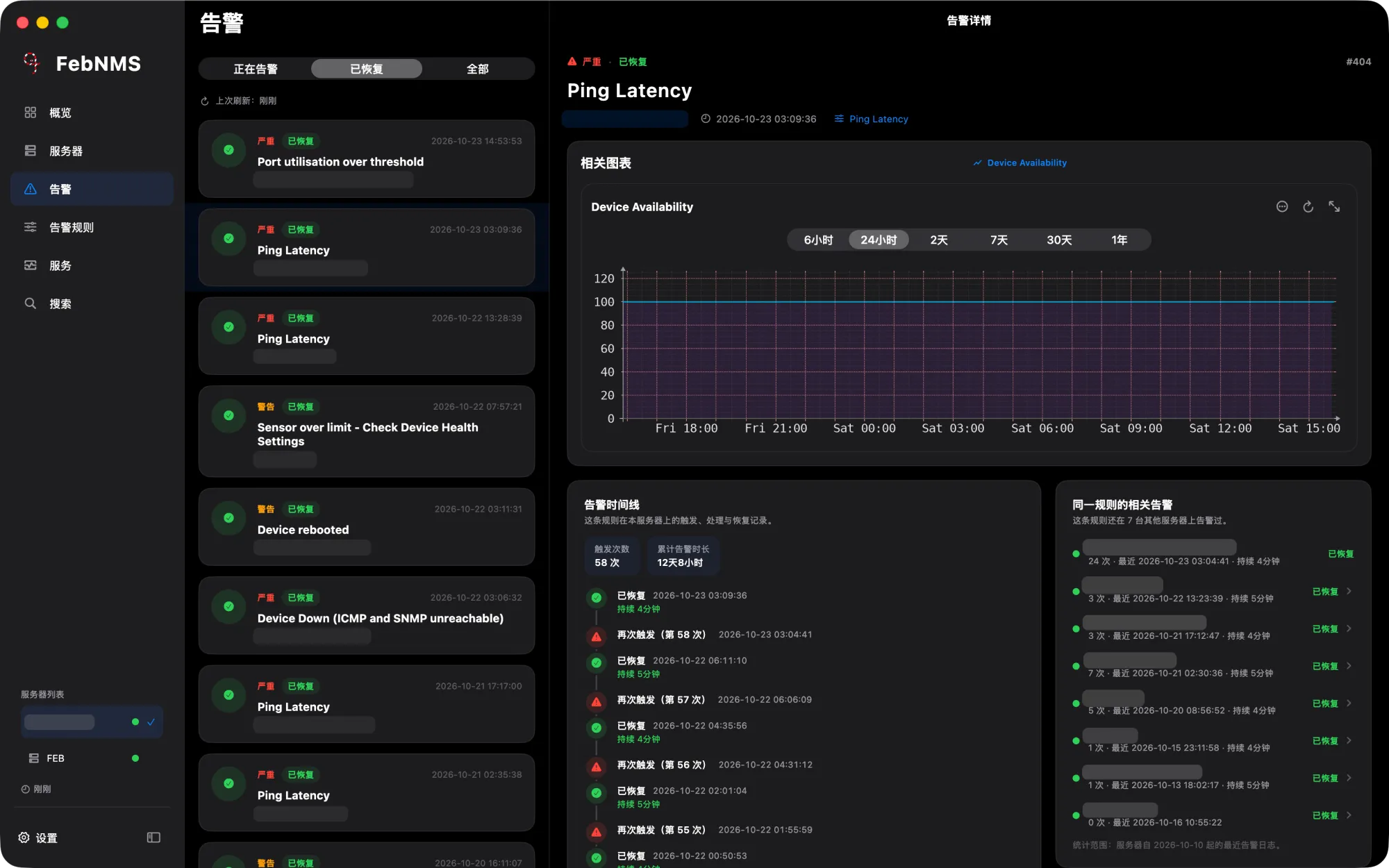
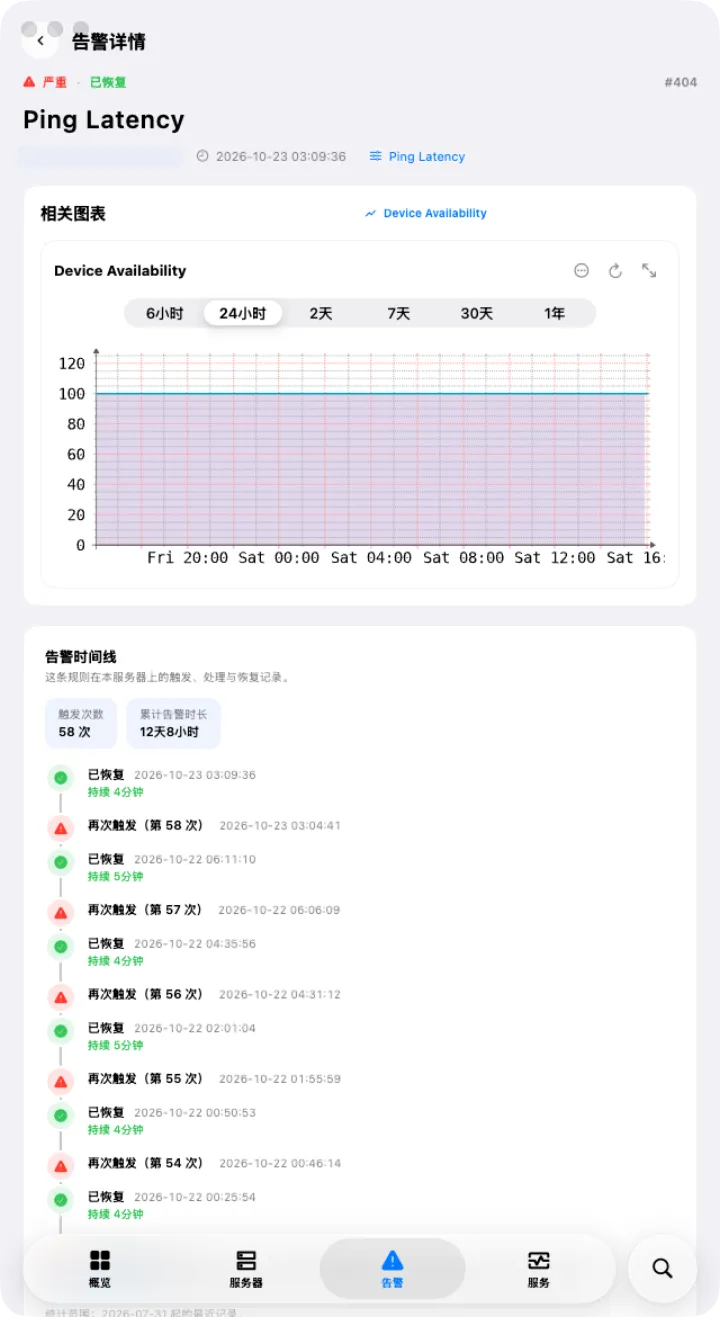
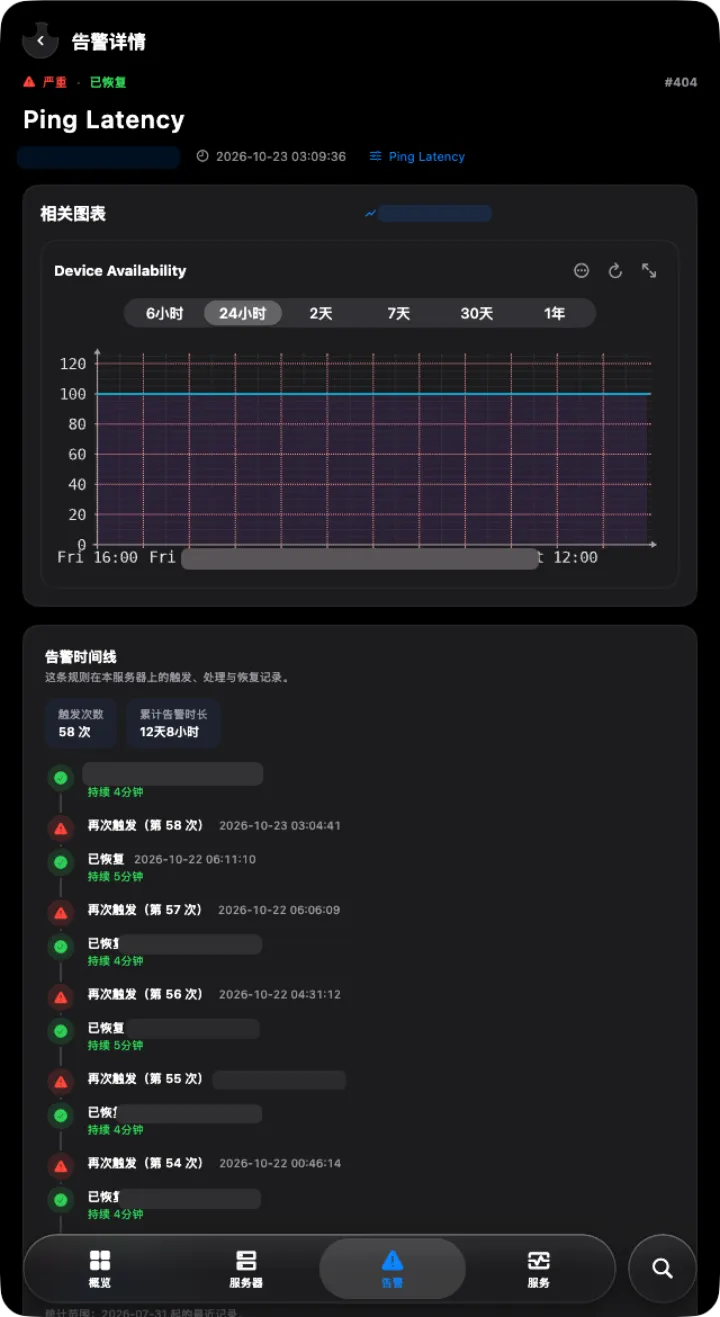
Alert details Alert details
Alert detailsRelated graphs, alert timeline and related alerts
Alert details Alert details
Alert detailsRelated graphs, alert timeline and related alerts
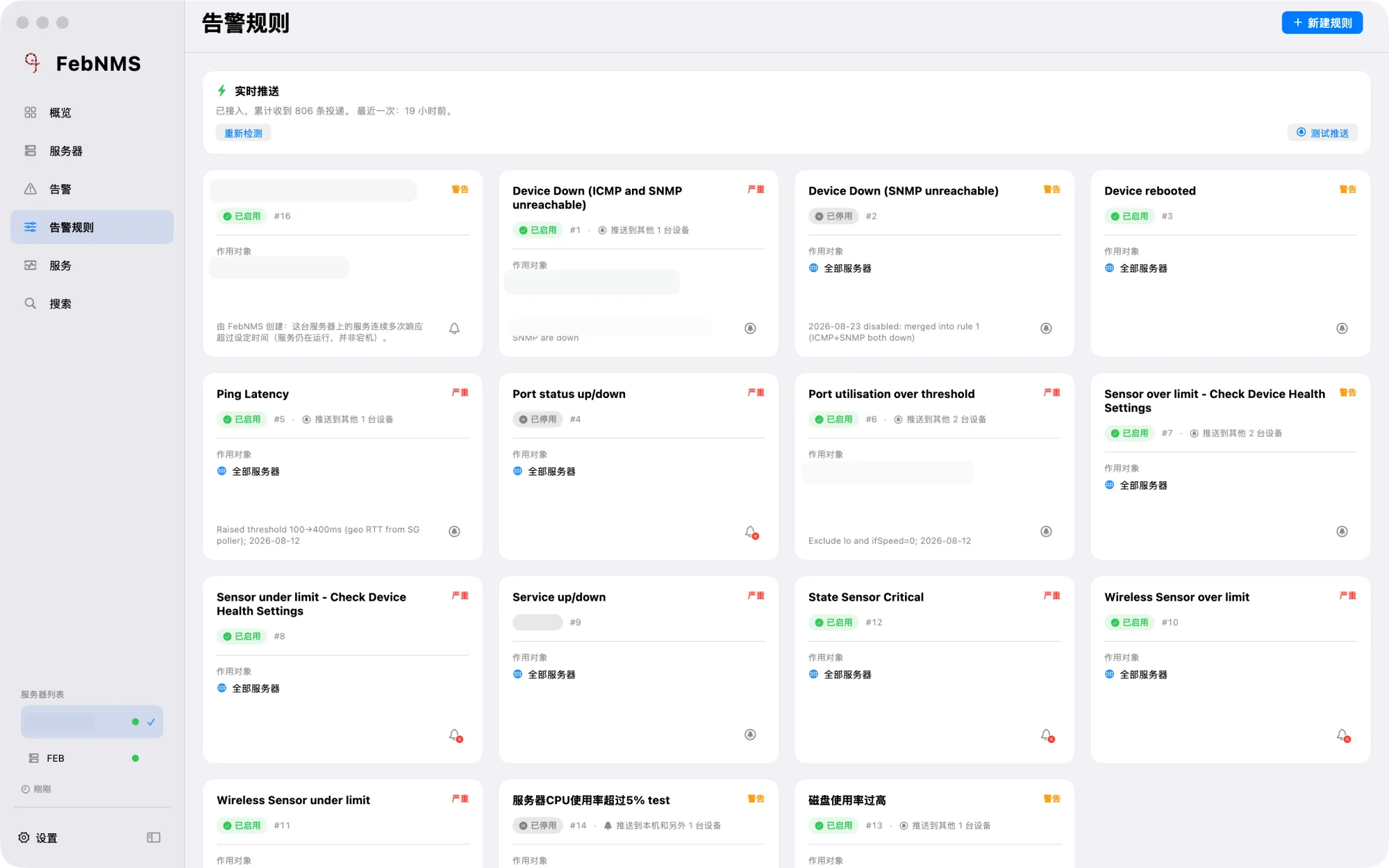
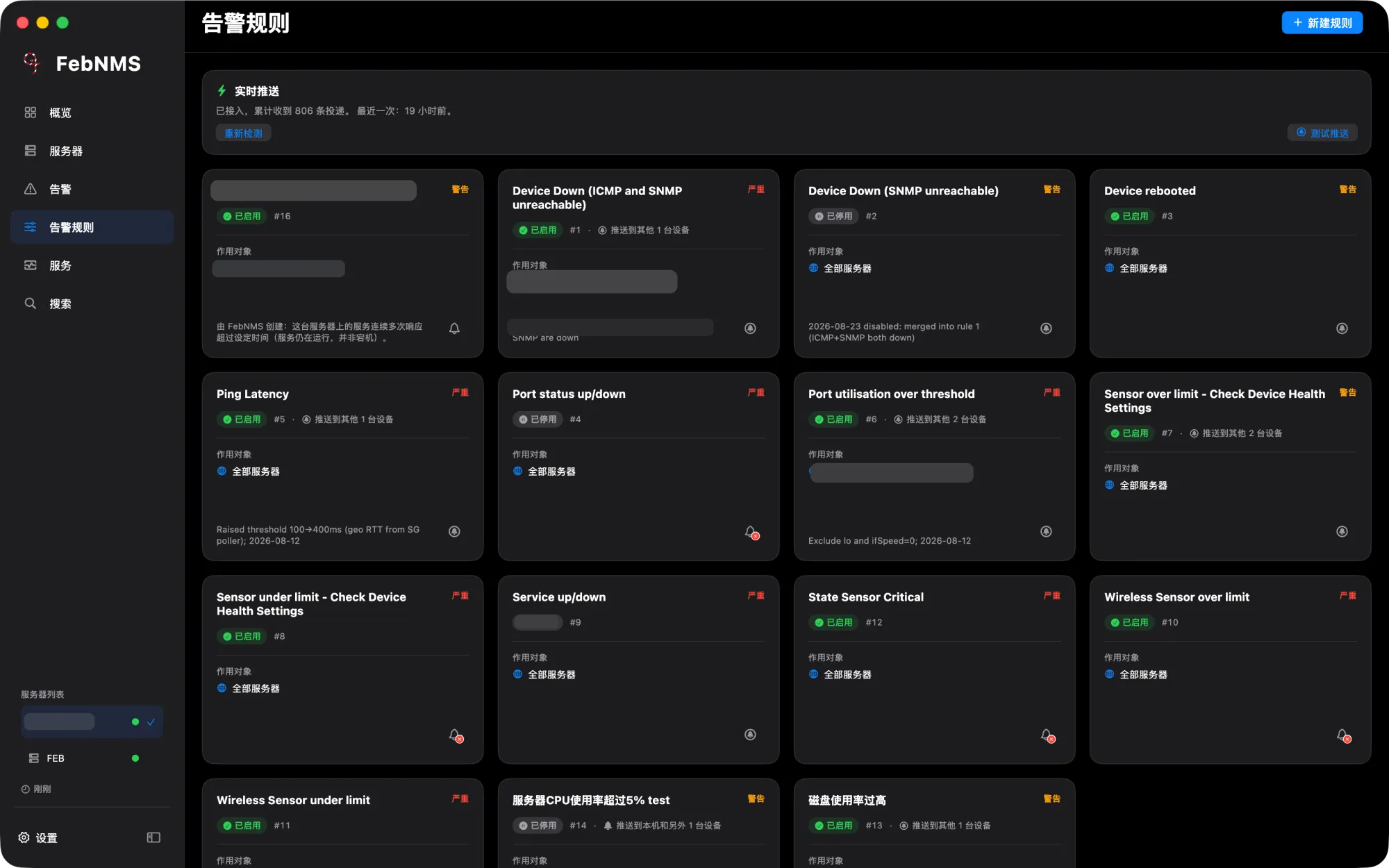
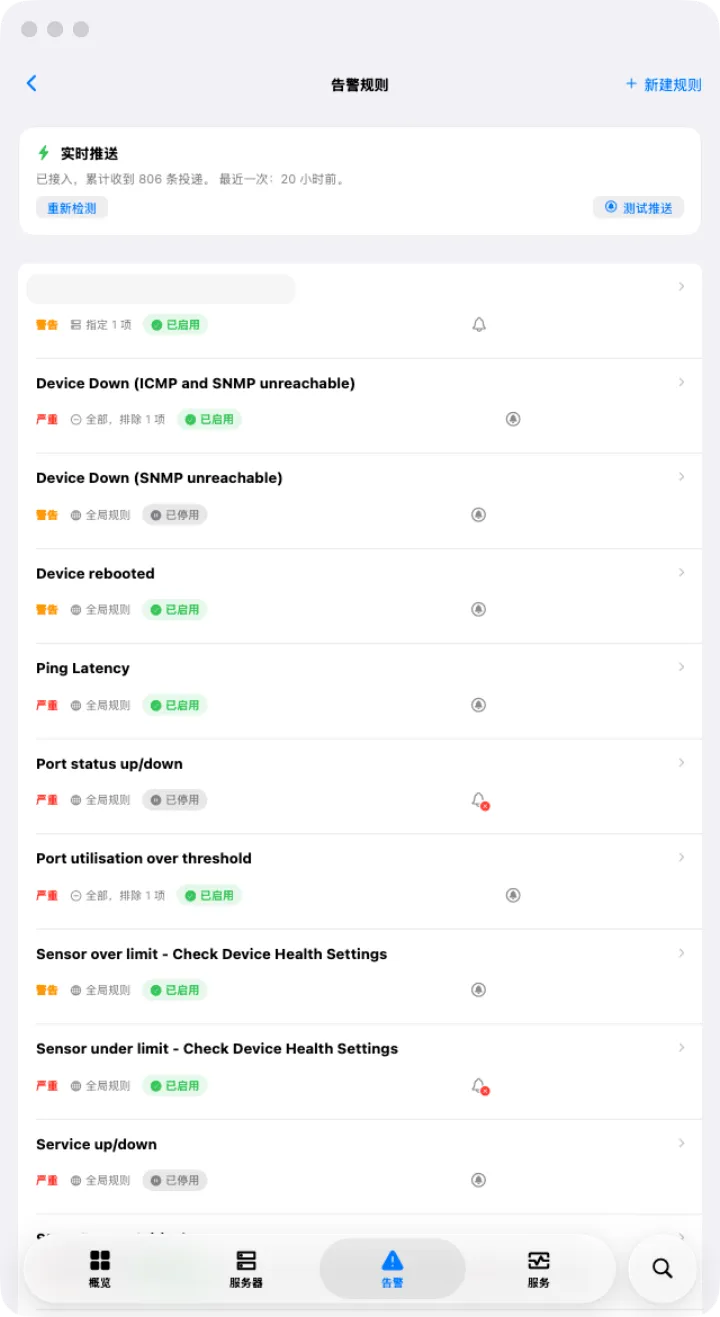
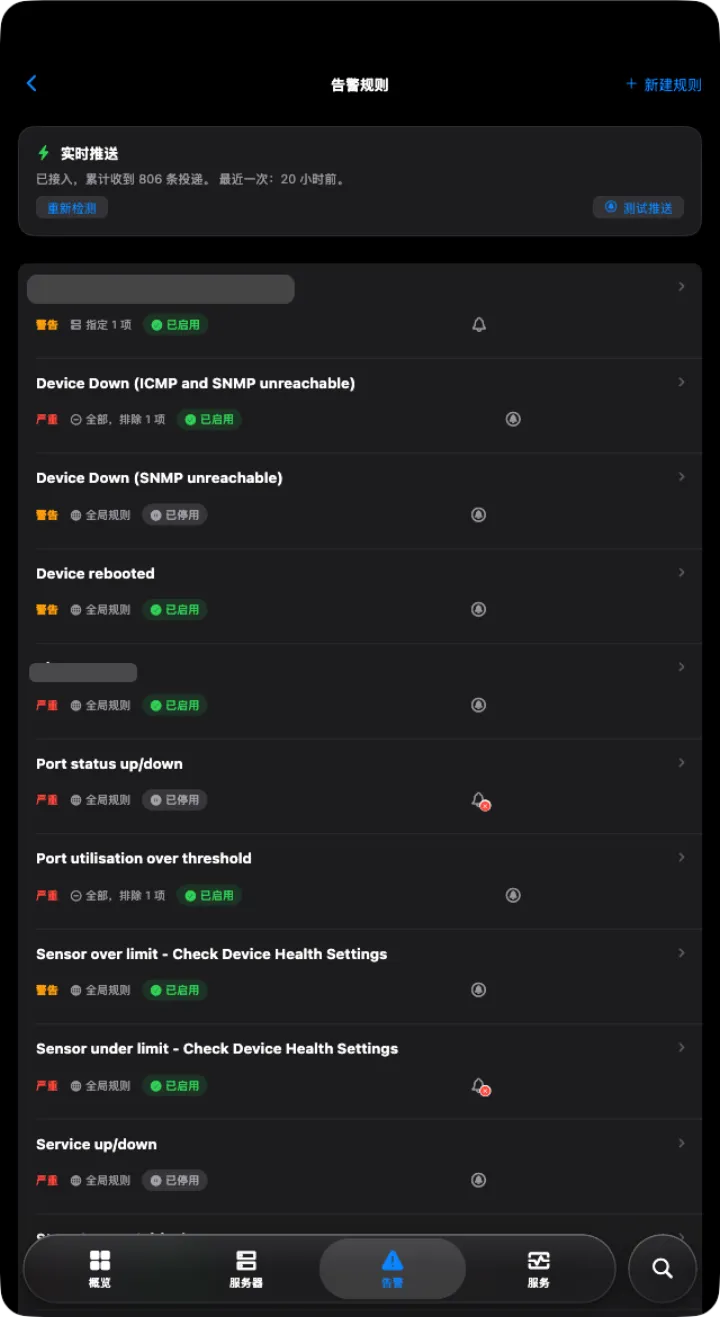
Alert rules Alert rules
Alert rulesAll rules, with the devices each one pushes to
Alert rules Alert rules
Alert rulesAll rules, with the devices each one pushes to
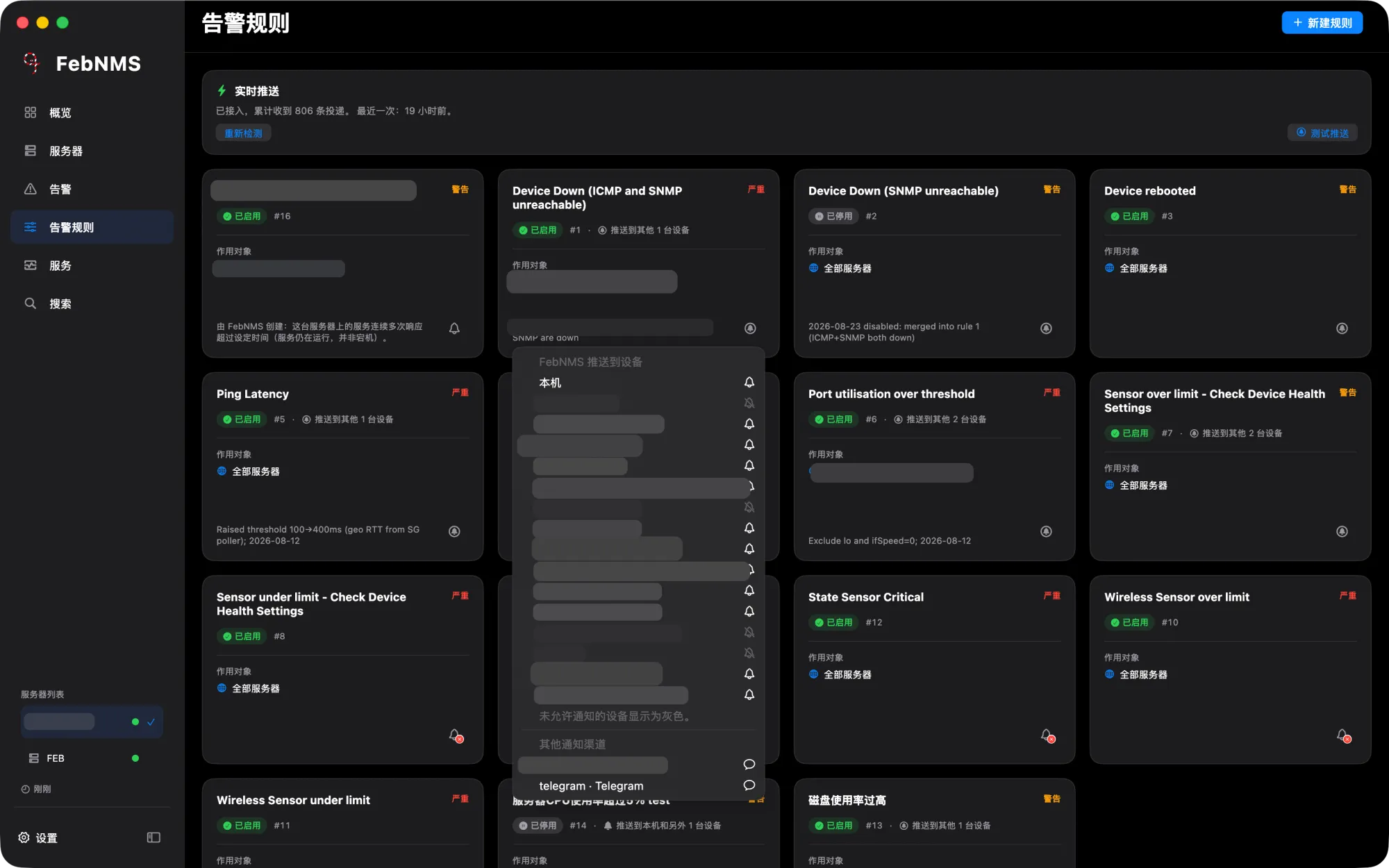
Dark only Choosing push devices Choosing push devices
Choosing push devicesClick the bell to pick phones, computers, Slack or Telegram

AI rule assistant

Describe it in a sentence; AI writes the alert rule and you confirm before saving.
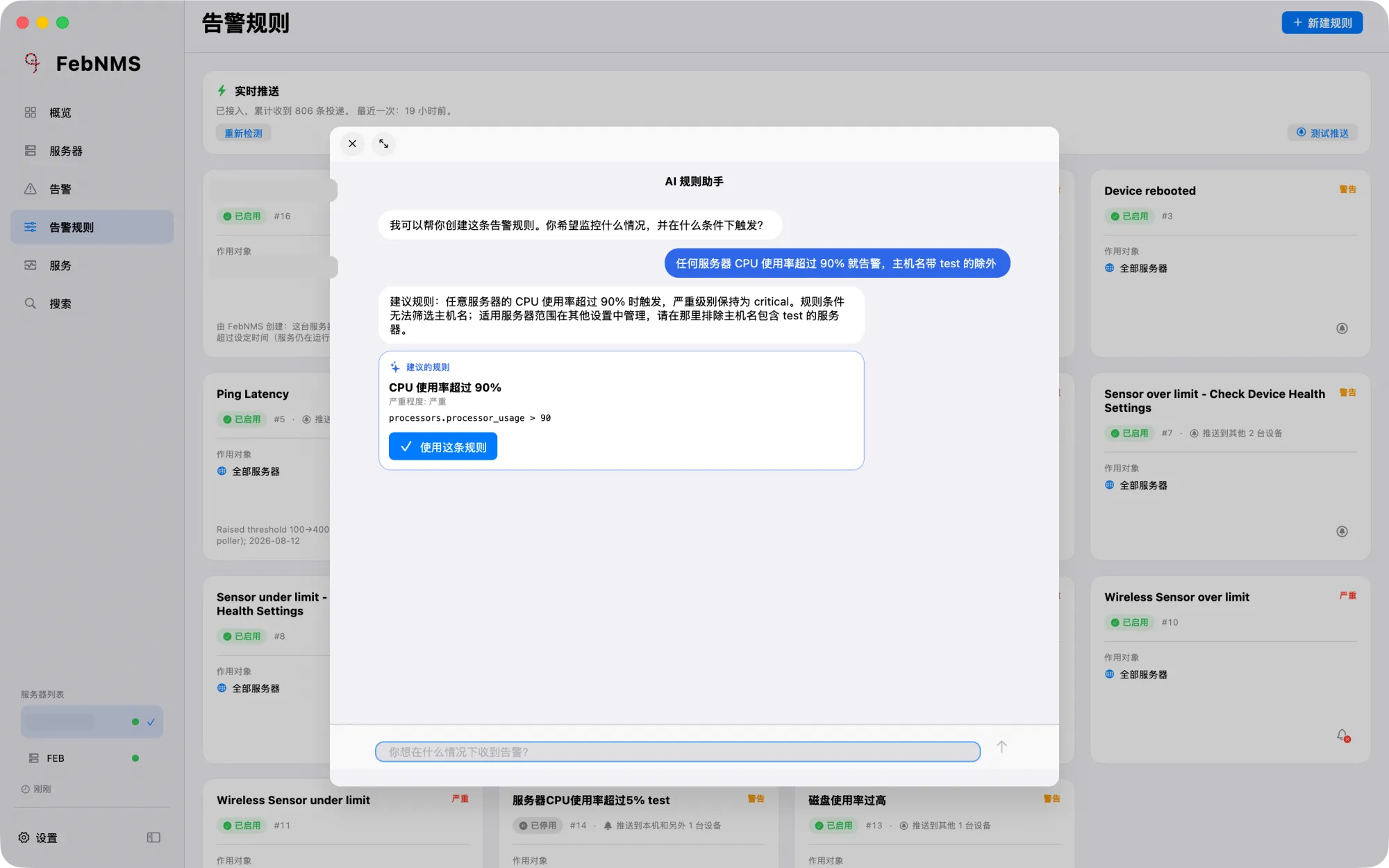
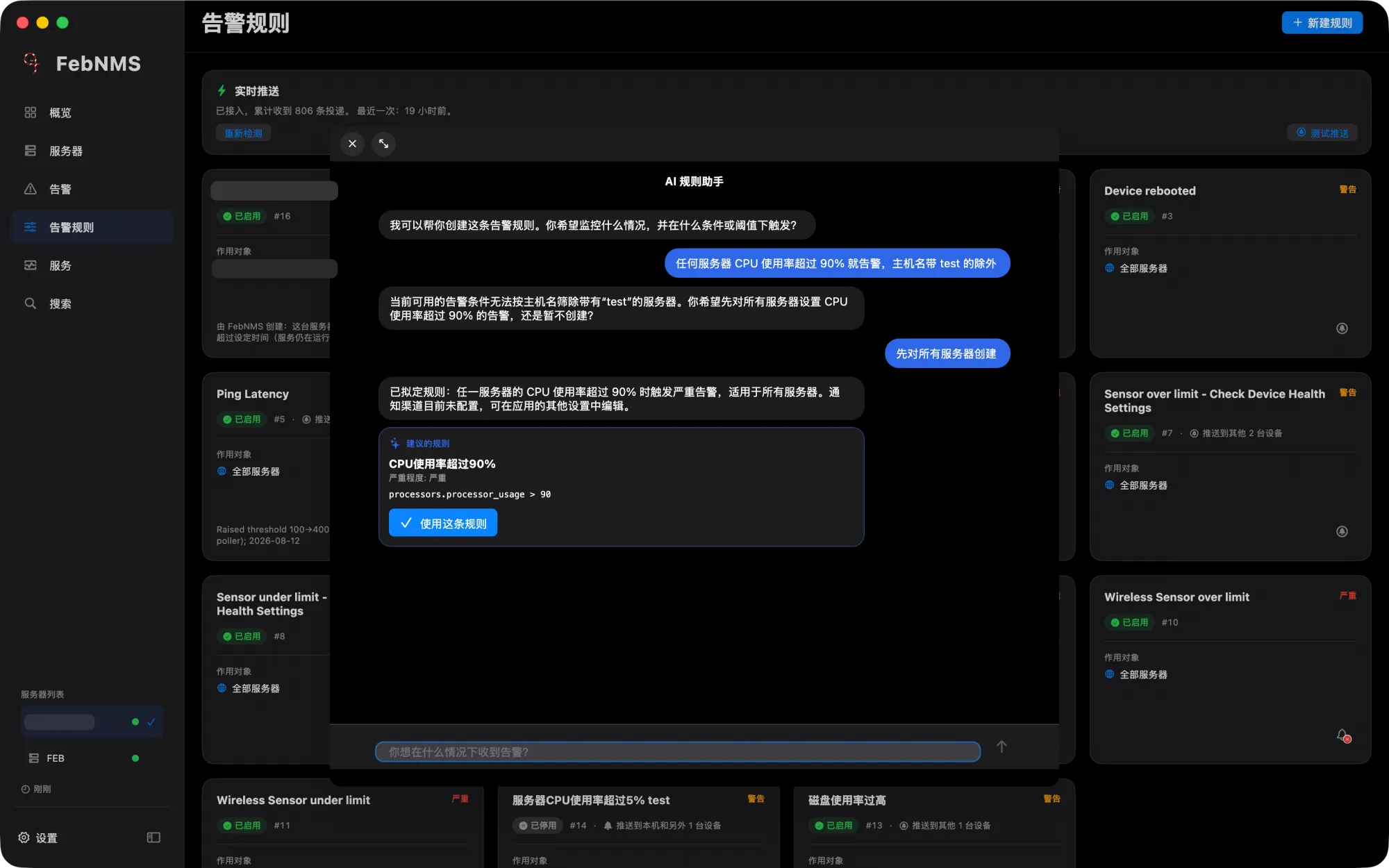
AI rule assistant AI rule assistant
AI rule assistantAlert rules from plain language

Services, search and sync

Service checks, global search and server settings synced across devices.
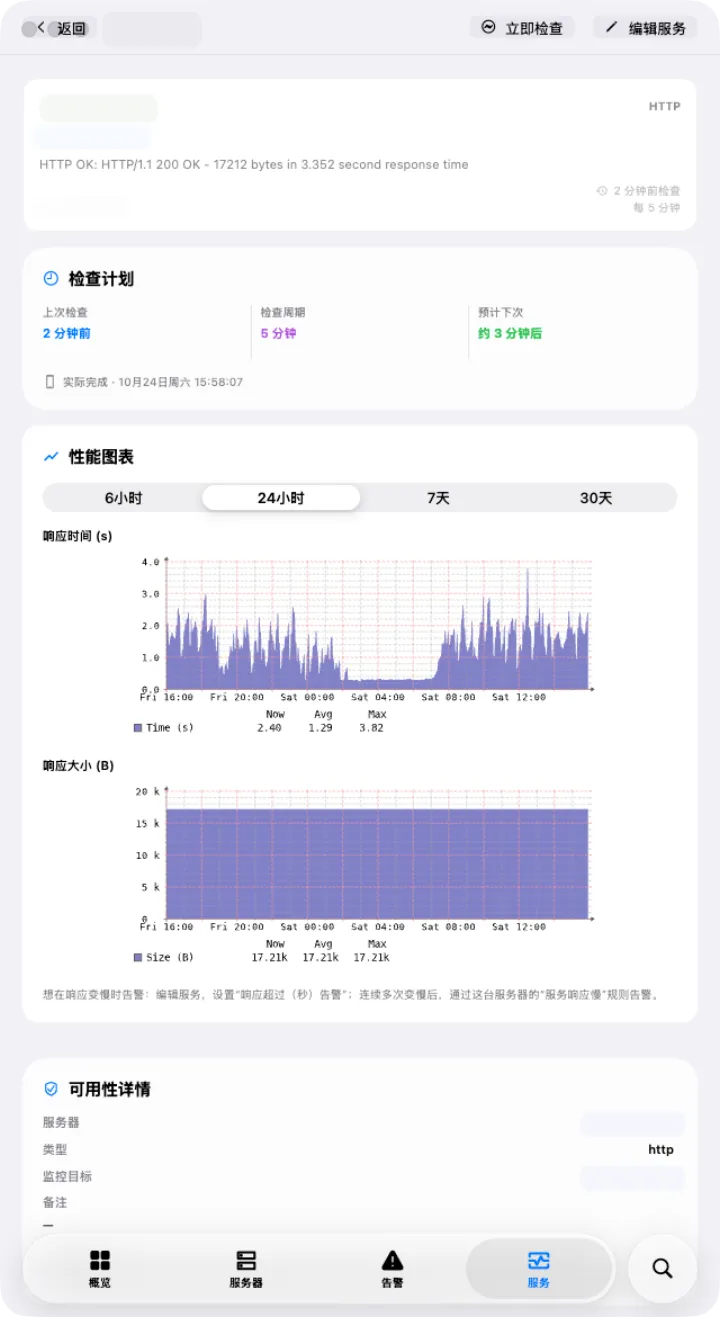
Service details Light only Service details
Service detailsCheck schedule and performance graphs
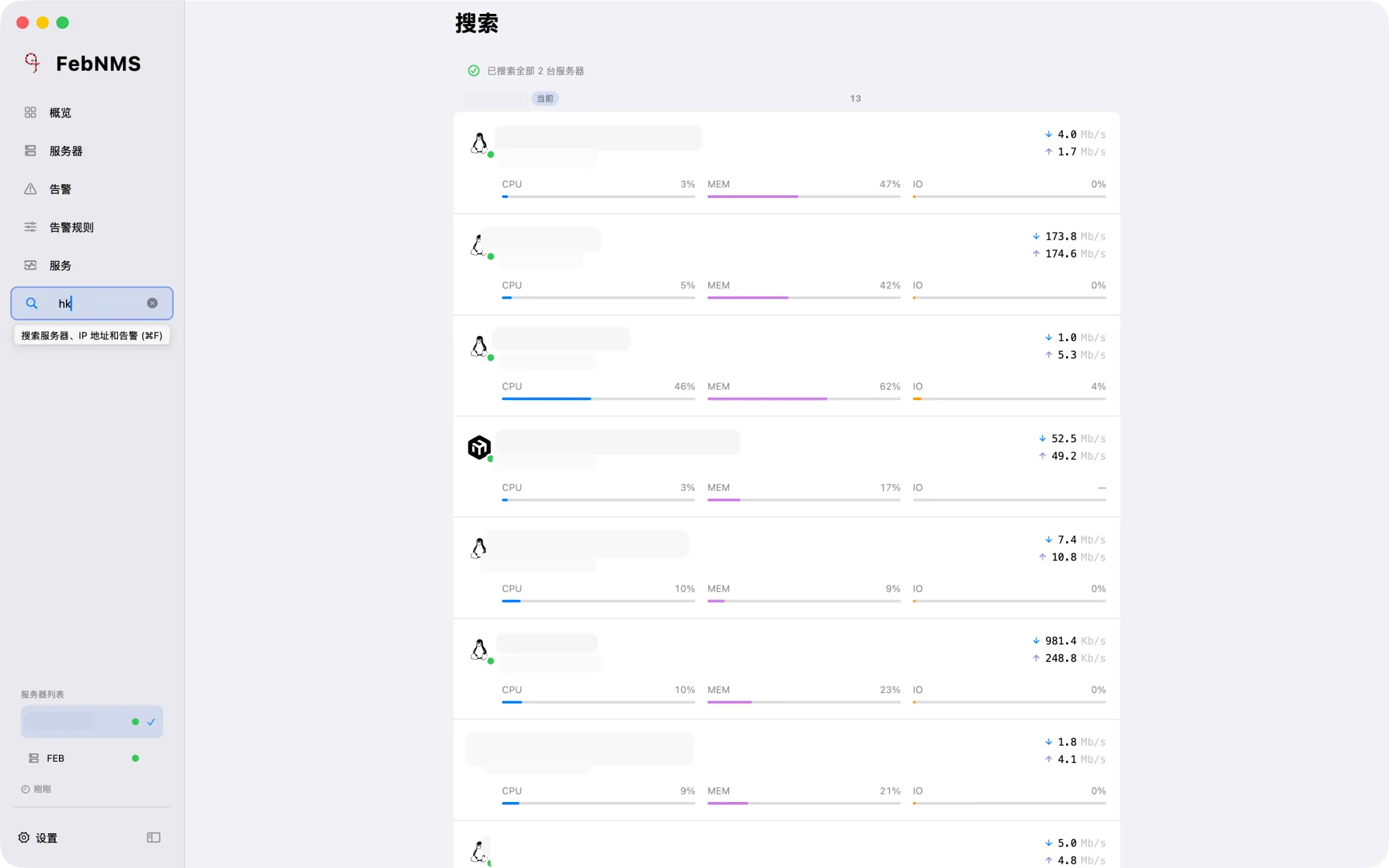
Search Light only Search
SearchFind servers by name or IP
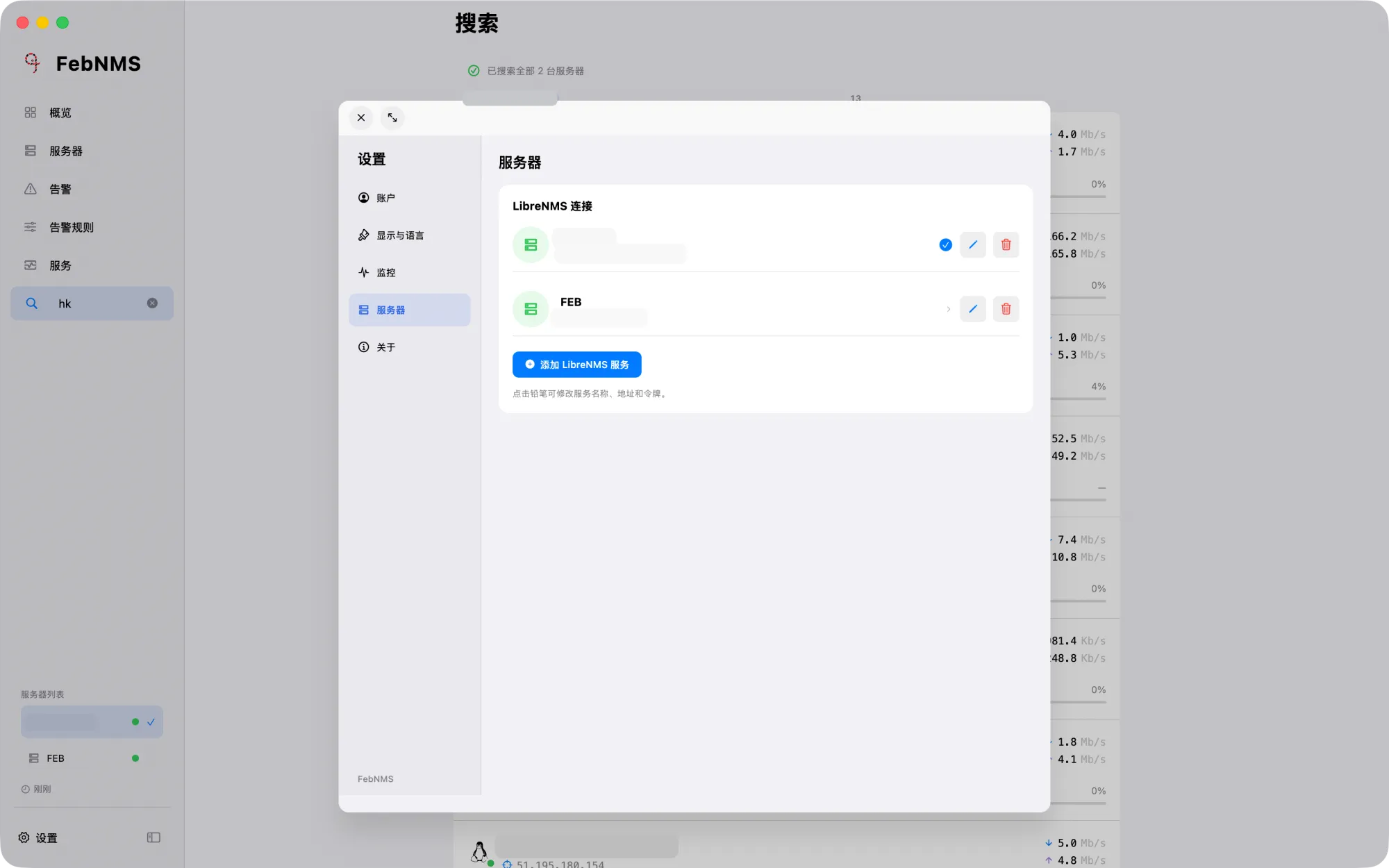
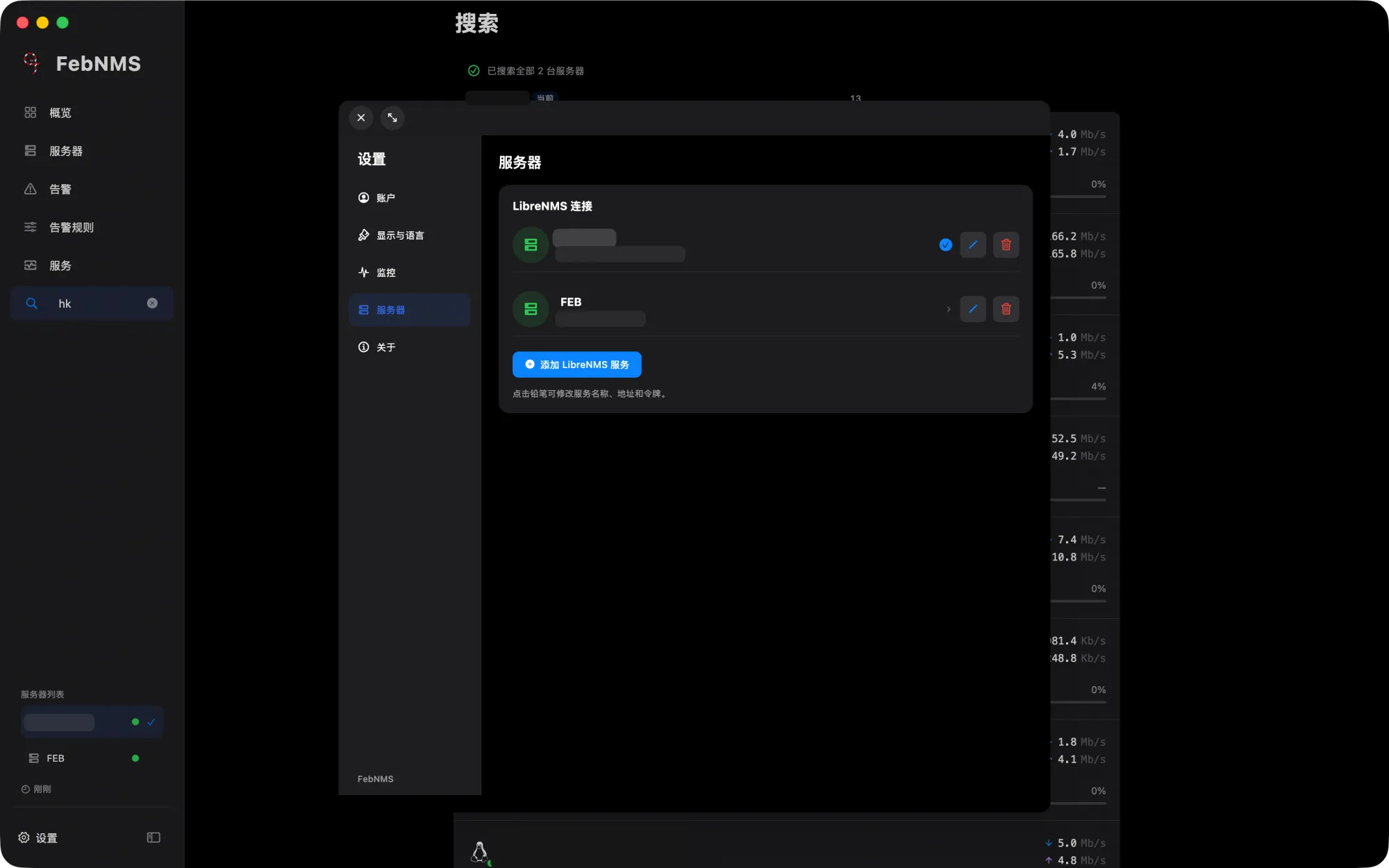
Server management Server management
Server managementSeveral LibreNMS servers, synced with your account